ai and voice
Best AI writing tools in 2026: ranked by job, with prices checked
·
9 min read
·
By Prateek Singh, founder of VoiceMoat
Key takeaways
There is no single best AI writing tool. Pick by job: ChatGPT or Claude for drafting, Grammarly for editing, Surfer for SEO, Jasper for teams, Rytr for budget copy, Sudowrite for fiction.
Prices checked on vendor pages on 22 October 2026: ChatGPT Plus and Claude Pro $20 a month, Surfer from $49 billed yearly, Jasper $59 a seat billed yearly, Copy.ai $29, Rytr Lite $9, Sudowrite $10.
What changed: Rytr's plans are now Free, Lite, Personal and Pro; Writesonic repositioned as an AI search visibility platform from $79; Grammarly's paid plan is Pro.
Best free options: Rytr (10,000 characters a month), Grammarly (100 AI prompts a month), QuillBot and the free tiers of ChatGPT and Claude.
Generic AI converges on the average. A prompt describes your voice; learning from your own content is a different category.
For LinkedIn and Twitter content, VoiceMoat (our product, not a writing tool) learns from your posts and checks drafts for Style and Stance.
Updated 22 October 2026. Every price was rechecked on the vendors’ own pages: Rytr’s plans changed, Writesonic has repositioned as an AI search visibility platform, and Grammarly’s paid plan is now Pro. We added quick picks by job and sections for students, fiction writers, bloggers and brand voice training.
The best AI writing tools in 2026 depend on the job. ChatGPT and Claude ($20 a month each) lead for drafting and research, Grammarly for editing, Surfer for SEO blog posts, Jasper for marketing teams, Rytr for budget copy, Sudowrite for fiction and QuillBot for paraphrasing. Every one of them delivers speed; very few learn how you write.
Disclosure: we make VoiceMoat. It is not a writing tool; it is the Personal Brand OS for LinkedIn and Twitter, and it appears once, at the end, for readers whose job is content on those two platforms. Prices below were checked on each vendor’s own page on 22 October 2026 unless marked as vendor-stated.
Best AI writing tools at a glance
Quick picks by job. Prices from vendor pages, 22 October 2026.
Job | Pick | Starts at |
|---|---|---|
General drafting and research | ChatGPT or Claude | $20 a month (Claude Pro is $17 a month billed yearly) |
Editing and clarity | Grammarly | Free (100 AI prompts a month), Pro about $12 a month billed yearly (vendor-stated) |
SEO blog posts | Surfer | $49 a month billed yearly (Discovery) |
Marketing teams and brand voice | Jasper | $59 a seat billed yearly, $69 monthly |
Budget copy | Rytr | Free (10,000 characters a month), Lite $9 a month |
Fiction and novels | Sudowrite | Hobby and Student $10 a month |
Paraphrasing | QuillBot | Free tier |
What AI writing tools do well in 2026
Speed is solved. Drafts that took hours take minutes, and research that needed a dozen tabs surfaces in one prompt. The strongest uses are where speed matters more than voice: first drafts, product descriptions, email sequences, ad variations, outlines and FAQs. Nobody reads a product description hoping it sounds like a particular person.
Editing is a separate, narrower job. Grammarly is the clearest example: a polish layer on writing you already wrote. The division of labour (you think, the tool cleans up) is mapped in the hybrid human-AI writing workflow.
Why most AI writing sounds the same
When thousands of people ask the same model for “a LinkedIn post about leadership”, it returns variations on the statistical average of leadership posts. That is how large language models work. Real voices have edges, specific words and rhythms; generic output smooths them away. The mechanism is in why all AI-written tweets sound the same.
Prompting harder helps but does not close the gap: you re-enter your style every session, instructions fade over a long chat, and a description of your voice is not the same as a model that has learned from your content. The levels from generic prompt to trained model are in personalized AI content, and the strategic case is in authenticity as a moat.
How to evaluate an AI writing tool before you commit
Most people test with one piece of content. A better check: does it learn your voice or only accept a prompt; what does the free tier allow in practice; how easy is it to export your work; does it support the platforms you publish on; and can you measure whether the output reads like you?
Red flag: “write in your brand voice” that turns out to be a tone dropdown (professional, casual, playful).
Red flag: “human-sounding” output that detectors still flag with high confidence.
Green flag: learning from your own content history, and a measurable check on drafts rather than a feeling.
For a structured version, run the 7-test check for whether AI really writes like you.
Best AI writing tools for long-form and blogging
ChatGPT (Plus is $20 a month, vendor-stated) is strongest on structured, instructional content: guides, listicles and how-tos. Claude (Pro is $20 a month, or $17 billed yearly) handles narrative and tone more naturally, which suits essays and opinion pieces. Neither is ready to publish under your name out of the box.
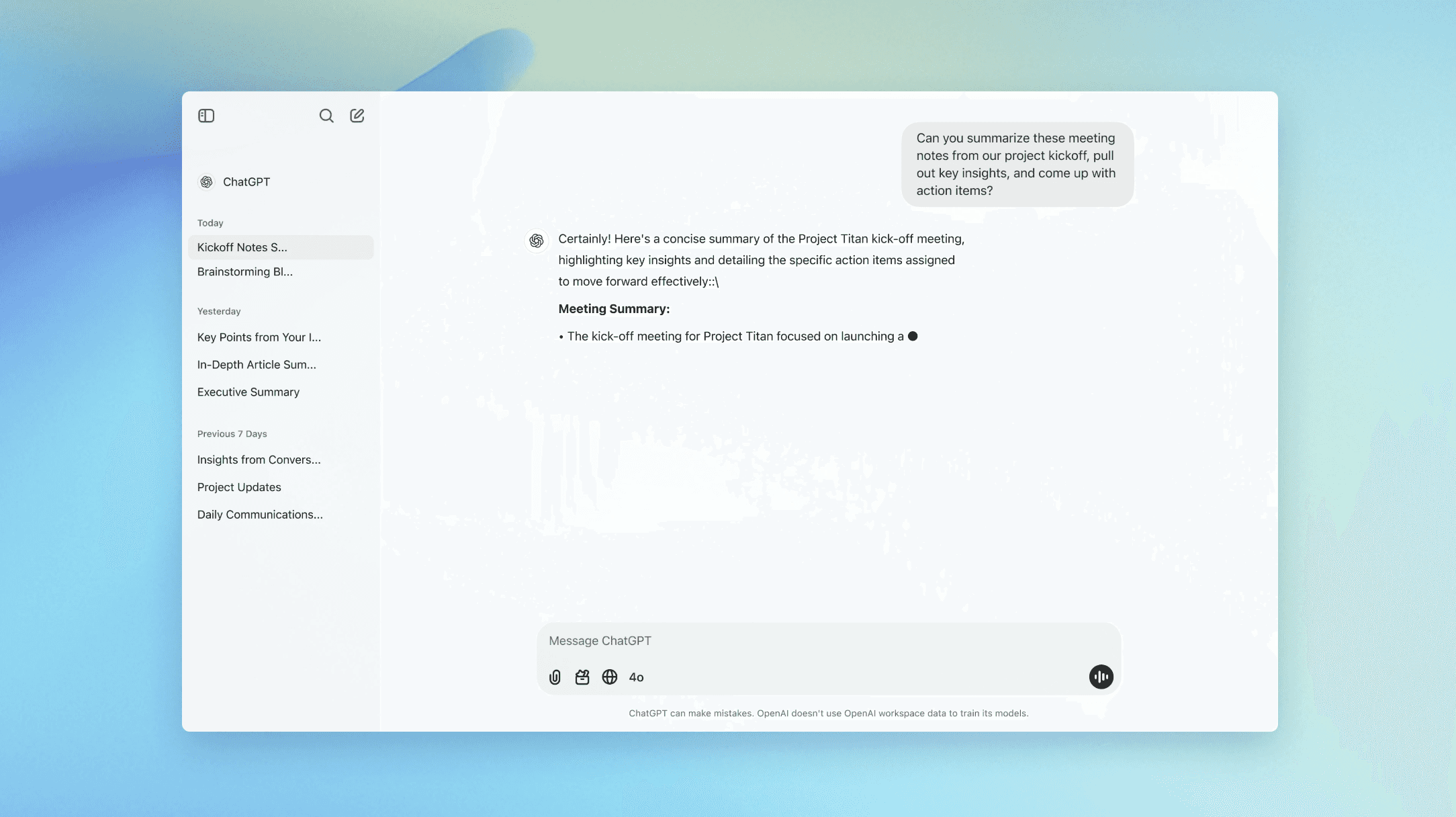
ChatGPT is the structure specialist among the general models: give it a clear outline and it executes cleanly. Voice is still on you.

Claude reads as more natural on tone and narrative, which makes it the better long-form draft partner. It still writes from its average, not yours. The plan-by-plan detail is in Claude vs ChatGPT for writing.
For bloggers chasing search traffic, Surfer scores content against what currently ranks. Its plans start at $49 a month billed yearly (Discovery), with Standard at $99. It optimises for search signals, not voice: right for a content team, wrong for a personal brand.
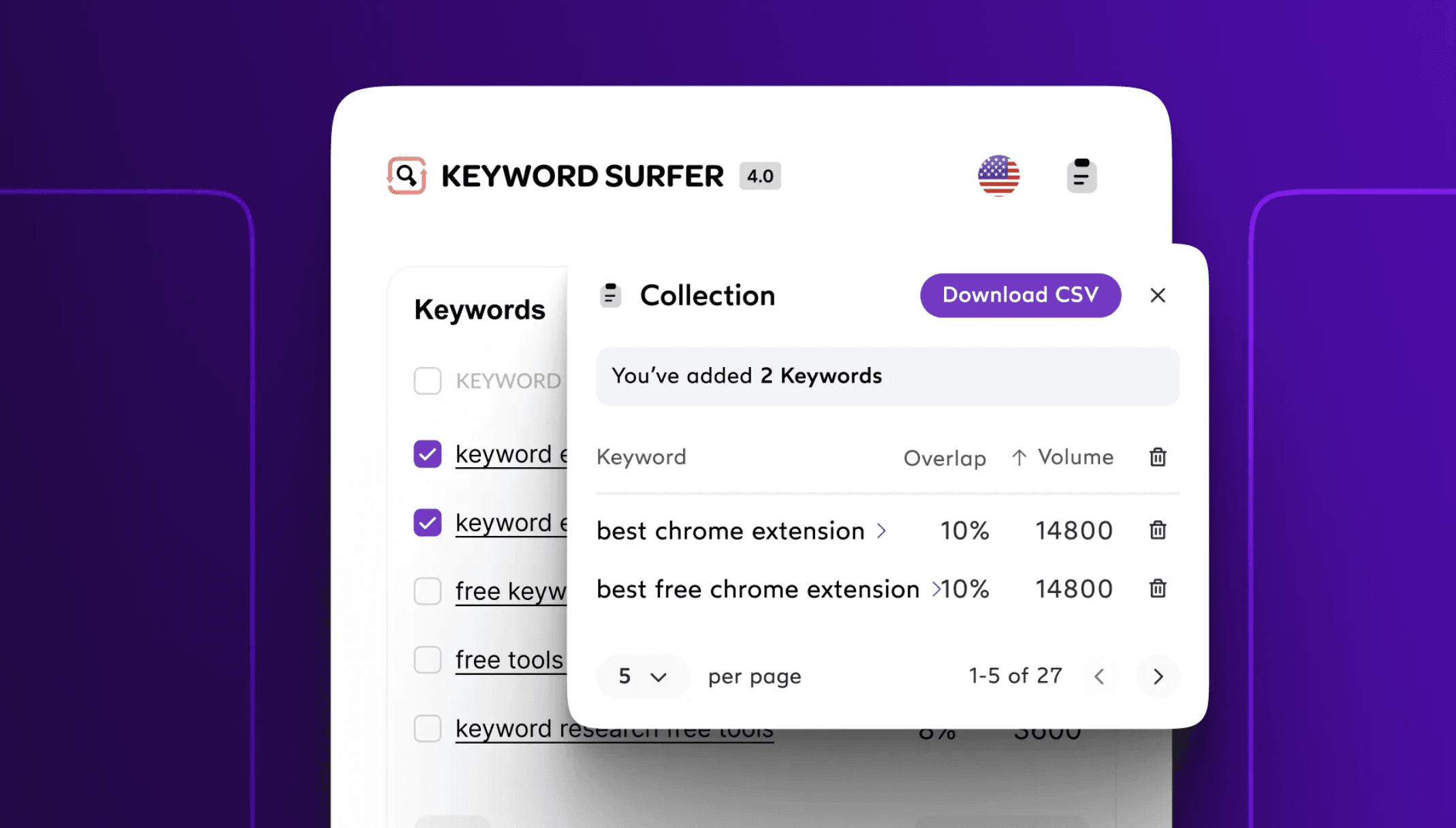
Surfer optimises content for search signals, not for your voice. The right call for an SEO content team, the wrong one for a personal brand.
Best AI writing tools for marketing copy and email
Generic output is often fine here; nobody follows you for your abandoned-cart email.
Copy.ai: the Chat plan is $29 a month, or $24 billed yearly, for 5 seats. Higher tiers start at $1,000 a month, and there is no free plan on its pricing page.
Rytr: the budget pick. Free covers 10,000 characters a month; Lite is $9 a month, Personal $19 and Pro $49, with 20% off billed yearly, 40-plus use cases and 30-plus languages.
Writesonic: no longer mainly a writing tool. Its pricing page now calls it an AI search visibility platform, from $79 a month billed yearly, with an AI article writer inside.
Jasper: built for marketing teams. Pro is $59 a seat a month billed yearly or $69 monthly, with a 7-day trial; Business is custom.
Copy.ai is built for marketing copy and workflows: strong on volume, generic on voice, from $29 a month with no free plan listed.
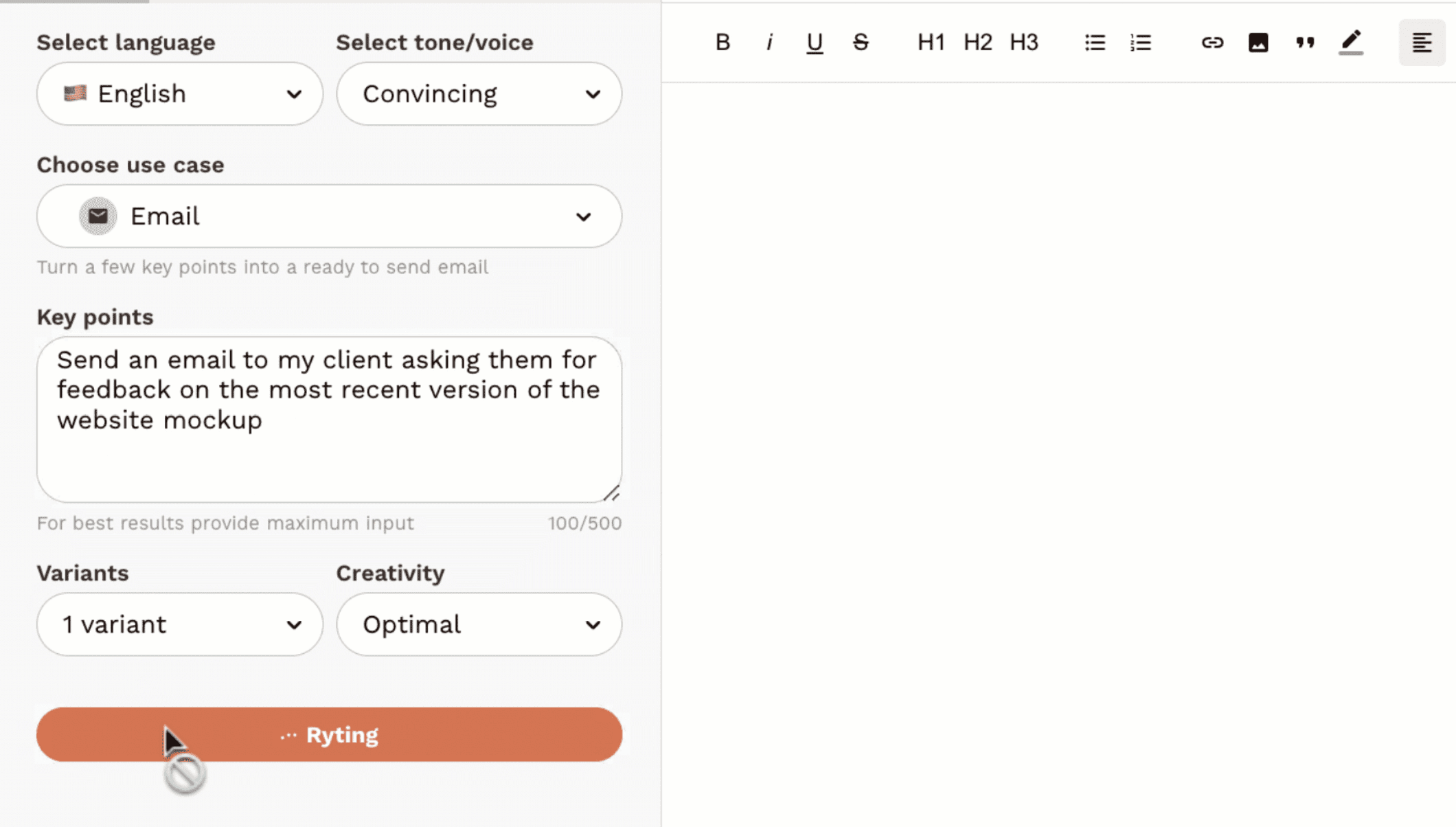
Rytr is the budget pick: a genuine free tier and Lite from $9 a month. Tone presets, not voice learning.
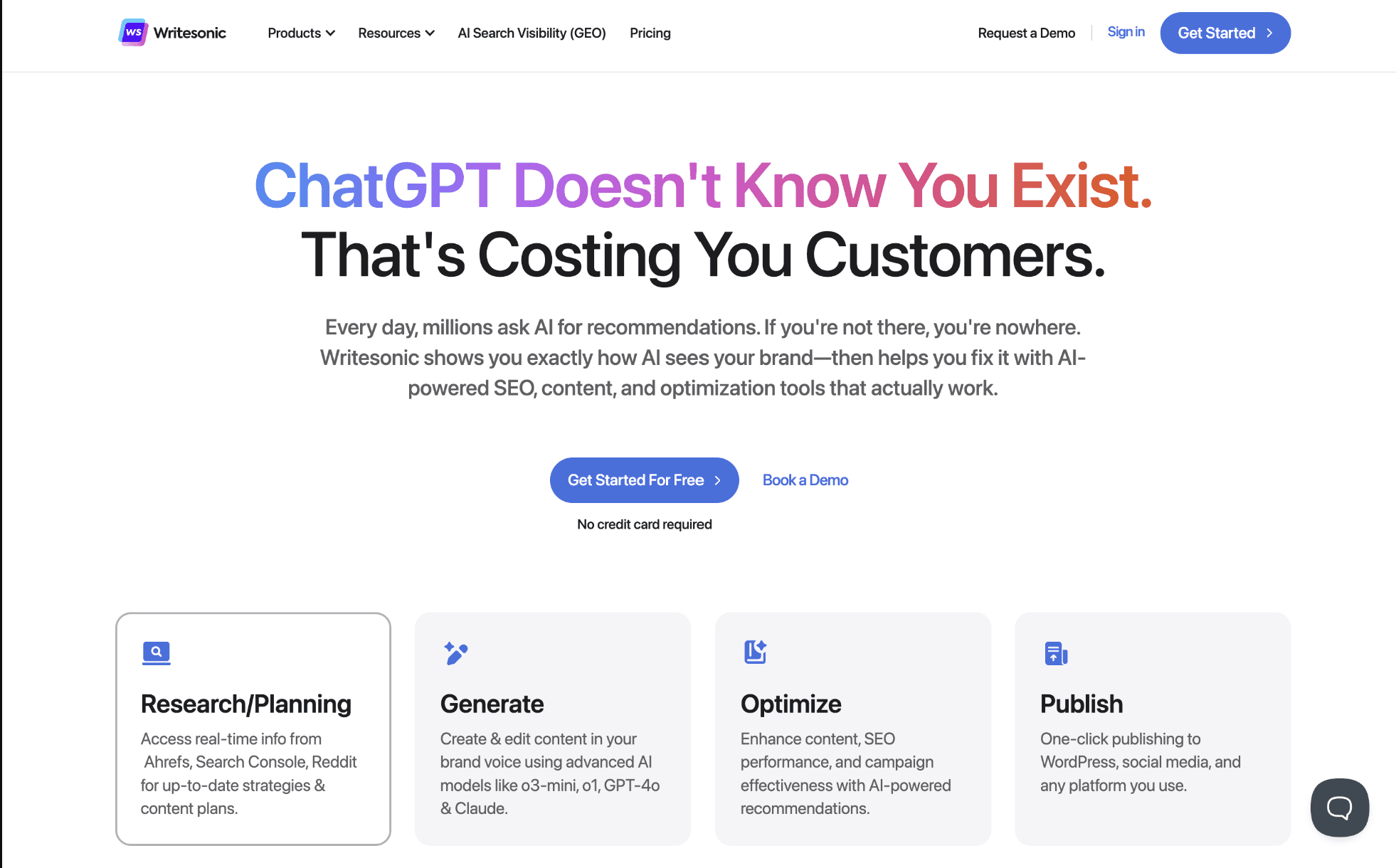
Writesonic now sells itself as an AI search visibility platform, from $79 a month billed yearly, with article writing as one feature.
Jasper is a team tool: Pro is $59 a seat billed yearly, and its Brand Voice analyses content you give it rather than learning from everything you publish.
Best AI writing tools with brand voice training
This is where people asking “which AI writing tool matches my own voice” should look closely, because “brand voice” means different things.
Jasper Brand Voice: its pricing page describes it as letting AI analyse your content’s tone of voice, with 2 voices on Pro and unlimited on Business. You define and feed the voice.
General assistants: custom instructions and projects in ChatGPT or Claude approximate a voice per session. The how-to is in how to train AI on your writing style.
Polishing a LinkedIn post you already wrote: Grammarly handles clarity and Claude handles a tone pass; neither knows how your past posts read. Dedicated LinkedIn and Twitter options are compared in the best AI ghostwriter tools, and VoiceMoat is covered below.
[ from the team behind this blog ]
Post on LinkedIn and Twitter in a way that reads like you
VoiceMoat is the Personal Brand OS for LinkedIn and Twitter. audenAI, the brain inside it, learns from your own posts, then helps you create, schedule and grow.
Creator plan $35 a month after the trial. Cancel anytime.
Best AI writing tools for students and academics
Editing: Grammarly and QuillBot are the common picks for grammar, clarity and paraphrasing.
Research and outlining: ChatGPT and Claude are useful for explaining sources and structuring an argument; check every citation yourself.
Rules first: check your institution’s AI policy before using any of these on graded work. Our AI detection tools test shows what detectors catch.
Best AI writing tools for novels and fiction
Sudowrite is built for fiction; its page calls it “the best AI tool for fiction”. Plans are Hobby and Student at $10 a month, Professional at $22 and Max at $44, with up to 50% off billed yearly and a free trial. Claude is the general model most fiction writers reach for second, for its handling of tone.
Best free AI writing tools, and what the limits mean
Rytr Free: 10,000 characters a month, a real free tier rather than a disguised trial.
Grammarly Free: grammar and clarity plus 100 AI prompts a month. Its page served us rupees on 22 October, so the Pro price of about $12 a month billed yearly is vendor-stated.
QuillBot: the most accessible free option for paraphrasing.
ChatGPT and Claude both have free tiers with tighter usage limits.
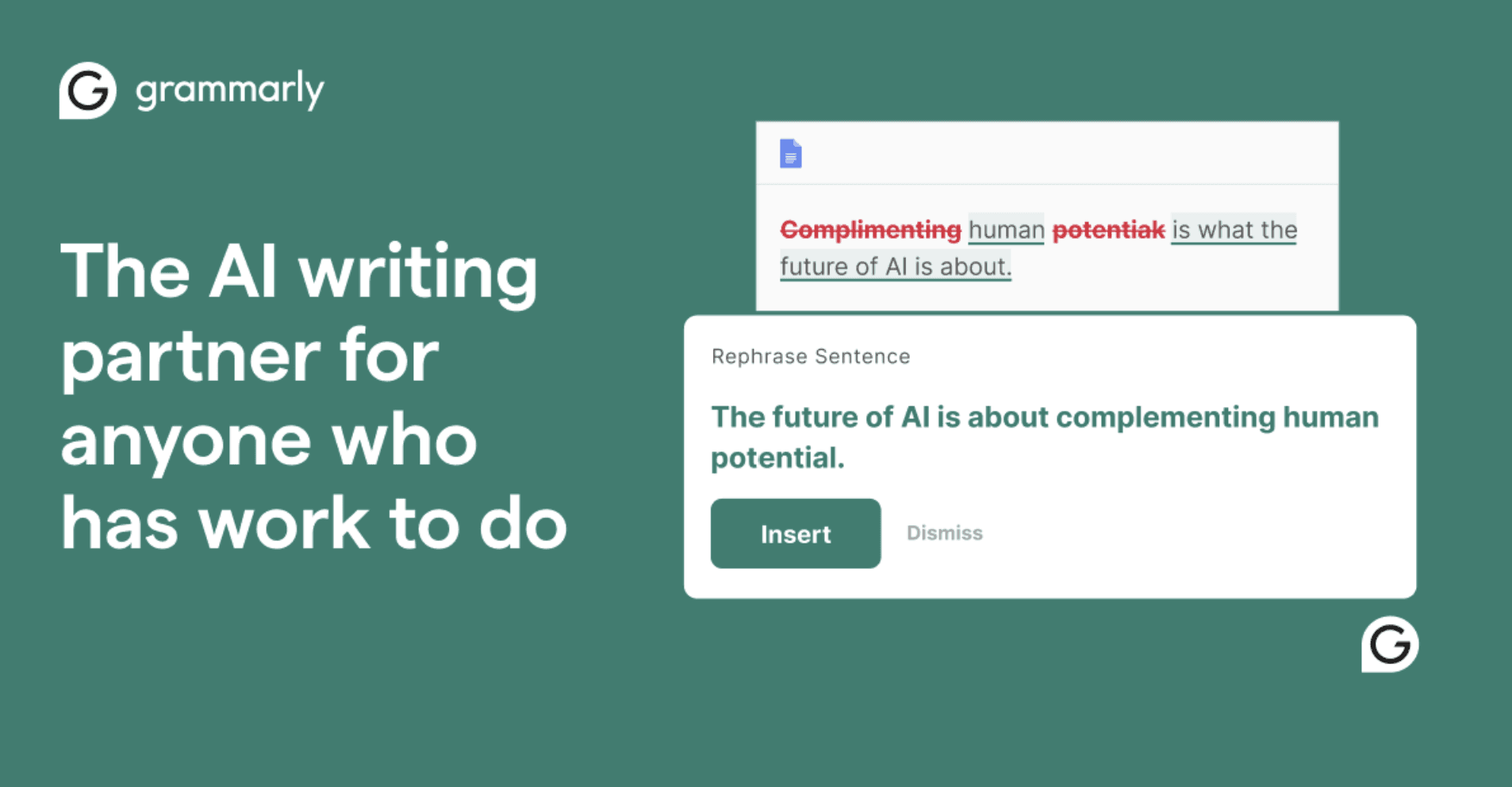
Grammarly is the editing layer: a strong free tier for grammar and clarity, with Pro around $12 a month billed yearly. A polish step, not a voice-trained drafter.

QuillBot is the most accessible free option for paraphrasing and rewriting, useful as a polish step rather than a voice-trained drafter.
Pricing breakdown: what you get at each tier
AI writing tools by job, with starting prices from vendor pages on 22 October 2026. “Voice fidelity” is how closely the tool can read like you specifically.
Tool | Best for | Starts at | Voice fidelity |
|---|---|---|---|
ChatGPT | Structured long-form, research | $20 a month (Plus, vendor-stated) | Low: prompt-steered |
Claude | Narrative, tone, editing passes | $20 a month, $17 billed yearly | Low: prompt-steered |
Surfer | SEO blog content | $49 a month billed yearly | Low: optimises for search |
Jasper | Team marketing campaigns | $59 a seat billed yearly | Configured brand voice |
Copy.ai | Marketing copy and workflows | $29 a month, $24 billed yearly | Low: generic copy |
Rytr | Budget multi-format copy | Free, then $9 a month | Low: tone presets |
Sudowrite | Fiction | $10 a month | Low: not trained on your posts |
Grammarly | Editing and clarity | Free, then about $12 a month billed yearly | Polish layer, not generation |
VoiceMoat (ours, not a writing tool) | Content on LinkedIn and Twitter | $1 trial, then $35 a month | Learns from your own posts; Style and Stance checks |
By budget: under $15, Rytr and Grammarly cover most needs; at $20, ChatGPT Plus and Claude Pro are excellent general drafters; at about $49 and up, Surfer and Jasper buy SEO and team features that pay off only at scale.
What AI detectors tell you about these tools
Clean text from the major models is reliably flagged by the strongest detectors; paraphrased or genuinely mixed text is harder to classify. Our test of Originality.ai, GPTZero, ZeroGPT, Copyleaks and Winston AI is in AI detection tools tested, and you can run your own text through our free AI detector. If readers spot the same signals without any tool, the signs of AI writing show what to fix.
How to pick the right AI writing tool
Three questions narrow it fast: what you mainly write, whether you need volume or voice, and your realistic monthly budget.

A three-question shortcut to the right AI writing tool: what you write, whether you need volume or voice, and your budget.
If your job is content on LinkedIn and Twitter
This is a different category, not another row. Content published under your name has to read like you, because your audience follows you for your perspective. audenAI, the brain inside VoiceMoat, learns from your own posts, drafts in Studio and checks drafts for Style and Stance; VoiceMoat then schedules, publishes and shows analytics on LinkedIn and Twitter. Creator is $35 a month and Pro $69, with a 3-day trial for $1 or $5.

VoiceMoat, the Personal Brand OS for LinkedIn and Twitter: drafts from your own posts with Style and Stance checks, plus scheduling and analytics on both platforms.
The wider tool stack is in the best AI tools for personal branding, and the head-to-head with a general assistant is VoiceMoat vs ChatGPT.
The bottom line
Most AI writing tools save time, and ChatGPT, Claude, Grammarly and Rytr are useful and honestly priced. Surfer and Jasper serve content teams at scale, and Sudowrite serves fiction. The gap almost every tool leaves is whether the output reads like you. For general writing, pick by job and budget. For content with your name on it, start from a tool that learns from your own content.
Frequently asked questions
What is the best AI writing tool in 2026?
It depends on the job. ChatGPT and Claude ($20 a month) for drafting and research, Grammarly for editing, Surfer (from $49 a month billed yearly) for SEO, Jasper ($59 a seat billed yearly) for marketing teams, Rytr (free, then $9 a month) for budget copy and Sudowrite ($10 a month) for fiction.
What is the best free AI writing tool?
Rytr has a genuine free tier of 10,000 characters a month. Grammarly Free covers grammar and clarity with 100 AI prompts a month, QuillBot is the most accessible for paraphrasing, and ChatGPT and Claude both have free tiers with tighter limits.
What is the best AI writing tool for students?
Grammarly and QuillBot for editing and paraphrasing, and ChatGPT or Claude for explaining sources and outlining. Check your institution's AI policy before using any of them on graded work, and verify every citation yourself.
What is the best AI writing tool for novels?
Sudowrite is built for fiction, with plans from $10 a month (Hobby and Student). Claude is the general model many fiction writers use alongside it for tone and narrative.
Which AI writing tools offer brand voice training?
Jasper's Brand Voice analyses content you provide, with 2 voices on its Pro plan. ChatGPT and Claude approximate a voice through custom instructions each session. For LinkedIn and Twitter content, VoiceMoat learns from your own posts and checks drafts for Style and Stance.
Why does AI-written content all sound the same?
Large language models generate from the statistical average of their training data, so the same prompt returns variations on the same median output. Prompting narrows the gap but cannot close it, because a prompt describes your voice rather than learning it from your content.
AI disclosure
Written and fact-checked by Prateek Singh. VoiceMoat is the publisher's own product and is disclosed as such; competitor pricing and features were verified against vendor pages in June 2026 and may change. Facts rechecked and keyword re-targeted on 22 October 2026.
Keep reading

AI and Voice
Every social MCP connector reaches both platforms. That is not the hard part
We were going to write that connecting one assistant to both Twitter and LinkedIn was rare. It is not. More than twenty connectors do it and several are free, so channel coverage is table stakes and every roundup ranking them by it is measuring the wrong thing. Here is what actually differs between them, and the one thing we read enumerated tool lists for six of them to confirm nobody does at all.
11 min read
·

AI and Voice
Why your Claude writing skill doesn't sound like you
There are dozens of free Claude skills for writing, and almost all of them do the same thing: strip out phrases that read as machine-written. That is subtraction, and it leaves you sounding like nobody in particular rather than like yourself. The handful that actually learn a voice from your own writing have a fraction of the users. Here is the difference, why a skill cannot post anything no matter what it says, and where the file actually goes on every surface.
13 min read
·

AI and Voice
Hootsuite alternatives in 2026, priced from the vendors' own pages
Hootsuite starts at $99 per user a month, not $19. Here is what the realistic alternatives cost, read off each vendor's own pricing page in both billing positions, plus the clause in Hootsuite's terms that its pricing page does not mention.
10 min read
·

AI and Voice
Taplio alternatives in 2026, priced from the vendors' own pages
Four LinkedIn tools people move to from Taplio, priced from each vendor's own pricing page rather than from each other. Includes the arithmetic on Taplio's Pro tier, which does not add up, and one name still on every recommendation list that has quietly shut down.
11 min read
·

AI and Voice
How to train AI to write in your voice: the cross-model guide
You can get ChatGPT, Claude or Gemini to write in your voice, but only partly and only for one session, because chat models forget your style between chats. This cross-model guide covers the analyze-then-write prompts that work, the settings that make them stick, the four levels of personalized AI content, a reusable instruction block for tweets, and the persistent alternative for anyone who posts regularly.
16 min read
·
From the Twitter algorithm series
The Twitter/X algorithm in May 2026: why voice wins under the new transformer
Read ›

