
[
how it works
]
One idea.
A week of visuals.
A great post should not die after one day. Media Studio turns it into visuals that keep it working.
[
inside media studio
]


[
a canvas, or a shortcut
]
Design tools start blank.
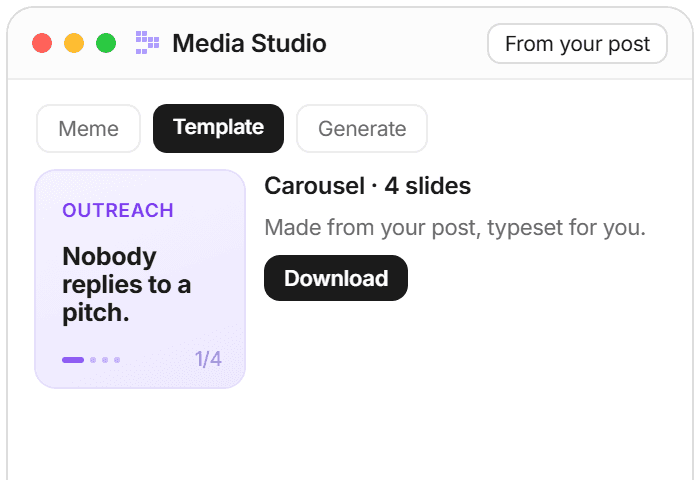
Media Studio starts from your post.
A design tool
A blank canvas and good luck
Hours in an editor per post
Looks different every single time
[
faq
]
Straight answers about making visuals from your posts.
More on visuals that convert

Growth
How to repurpose tweets into LinkedIn posts (without sounding generic) in 2026
Cross-platform repurposing fails most often when the writer optimizes for LinkedIn's surface conventions and loses the voice that made the Twitter content land. The tactical, example-rich playbook for repurposing tweets into LinkedIn posts in 2026: three structural moves (format conversion 280-char to 3000-char native, tone calibration without LinkedInfluencer cliches, audience-context adjustment from feed-scrolling to professional reading), illustrative before/after transformations clearly labeled constructed, and the voice-fidelity discipline that holds across both platforms.
12 min read

AI and Voice
Accessible images on Twitter, voice-first: the accessibility floor under alt-text and why social media creators ship it consistently
Image accessibility on Twitter is bigger than alt-text. Color contrast, in-image text, video captions, and screenshot legibility all matter for blind and low-vision readers and for AI assistants reading the post. The voice-first commitment to specificity in writing extends naturally to specificity in image accessibility. Here's the floor.
7 min read

AI and Voice
Alt-text on Twitter: the AEO move most creators skip, done in voice
Alt-text on Twitter serves two audiences: visually impaired readers and AI assistants indexing the post. Most creators skip it. A small minority keyword-stuffs it. Here's the voice-first version that serves both audiences without doing either job badly.
6 min read

