The best AI tools for thought leadership in 2026 are the ones that fit each step of the work: Granola or Wispr Flow to capture ideas, Perplexity and NotebookLM for research, Claude or ChatGPT to test your argument, a drafting tool such as VoiceMoat or AuthoredUp for posts, and Buffer, Typefully or Beehiiv to distribute.
None of them supplies the insight: AI can speed up every step around your point of view, but the point of view, the evidence and the experience behind it have to come from you.
Tool | Best for | Platforms | Starting price |
|---|---|---|---|
Granola | meeting notes without a bot joining the call | Desktop app | Free; Business $14/user/mo |
Wispr Flow | dictating ideas and notes in any app | Mac, Windows, iOS, Android | Free; Pro $15/mo ($12 yearly) |
Perplexity | cited web research | Web, apps | Free; Pro: check site |
NotebookLM | working across your own sources | Web | Free; higher limits with Google AI plans |
Claude | testing an argument and long-form editing | Web, apps | Free; Pro $20/mo |
ChatGPT | brainstorming and fast outlines | Web, apps | Free; paid: check site |
VoiceMoat | drafts in your own voice and schedules Twitter and LinkedIn together | Twitter, LinkedIn | $35/mo (Creator), free 3-day trial |
AuthoredUp | formatting and measuring LinkedIn posts you write | $19.95/mo | |
Descript | editing talks, podcasts and video by text | Desktop, web | Free; Hobbyist $24/mo ($16 yearly) |
Napkin AI | turning an idea into a diagram | Web | Free; Plus $9/mo |
Canva | post graphics, carousels and slides | Web, apps | Free; Pro: check site |
Typefully | a clean composer for several networks | Twitter, LinkedIn, Threads, Bluesky and more | Free; Creator $99/yr |
Buffer | cheap scheduling across many channels | Most major networks | Free; $5/mo per channel |
Beehiiv | a newsletter you own | Email, web | Free up to 2,500 subscribers |
Authory | a portfolio of everything you've published | Web | Free; Lite $12/mo ($9 yearly) |
Google Alerts | tracking mentions of you and your topics | Free |
VoiceMoat is our product. It appears in the drafting step with the other tools, and we list its limits like everyone else's.
Why most AI thought leadership lists miss the point
Most lists for this search are written by a vendor, and they rank writing tools first. Writing is the smallest part of thought leadership. The work that earns attention happens before the draft: noticing a pattern in your client work, checking whether it holds, and deciding what you believe about it.
That is why this guide follows the workflow most practitioners actually use:
Capture ideas where they happen (calls, walks, client meetings).
Research what others already said and what the data shows.
Form a point of view and pressure-test it.
Draft posts, articles, talks and visuals.
Distribute to the places your audience reads.
Measure whether the right people noticed.
We checked every tool's homepage and pricing page on 17 November 2026 (some prices were checked on 16 November). We did not run all of them side by side on the same project, so this page describes what each one does and costs and makes no claim about which produces better prose.
What AI can't do for a thought leader
Say it plainly before buying anything: AI can't supply the insight. It can summarize what is already public, and that is the opposite of thought leadership, which is a view that is not yet common and that you can back with experience.
AI is weak at:
Original evidence. Your client results, your numbers and your failures exist only in your head and your files.
Taking a risk. A model will hedge. A thought leader picks a side and explains why.
Credibility. Readers trust a view because of who holds it and what they've done.
Relationships. Invitations to speak, write and advise come from people, usually after a conversation.
AI is strong at everything around those: getting ideas out of your head, finding counter-arguments, turning one talk into ten posts, and scheduling it all. Use it there.
Step 1: Capture ideas
Most good ideas show up in conversation: a client question, a disagreement on a call, a line you said in a meeting that made someone lean in. A capture tool's job is to keep those before they fade.
Granola

Granola homepage, checked 17 November 2026.
Granola is an AI notepad that takes meeting notes from your device's audio, so no bot joins the call. After a client call you get notes alongside your own jottings, which is a good raw source for post ideas.
Price: Basic $0, Business $14 per user a month, Enterprise $35.
Fits: consultants and executives who spend the day in meetings.
Limit: check your client agreements before recording; some clients don't allow it.
Wispr Flow

Wispr Flow homepage, checked 17 November 2026.
Wispr Flow turns speech into text in any app, learns your names and jargon, and has a Notetaker for meetings and voice memos that can share notes with Claude and ChatGPT through MCP. Dictation works on Mac, Windows, iOS and Android; Notetaker on Mac and Windows only.
Price: Free, Pro $15 a month ($12 billed yearly), Growth $23 ($18 yearly).
Fits: people who think faster out loud than they type.
Limit: a transcript is raw material; it still needs shaping into an argument.
A free option: a running note on your phone titled "things I disagree with". Add one line whenever you notice one. It costs nothing and often beats any tool.
Step 2: Research
Research tells you whether your idea is new, what the counter-arguments are and what data supports or kills it.
Perplexity

Perplexity homepage, checked 17 November 2026.
Perplexity is a search assistant that answers with citations, so you can click through to the source. Use it to find what has already been said about your topic and the best evidence against your view.
Price: free Standard plan; Pro and Max are paid. The help center didn't list Pro's price to our check, so check the site. Enterprise Pro starts at $40 per seat a month.
Fits: anyone who needs sources fast.
Limit: read the sources yourself; a summary can misstate what a study found.
NotebookLM

NotebookLM homepage, checked 17 November 2026.
NotebookLM works only from the sources you add: reports, transcripts, your old articles, your Granola notes. Google's help center now also calls it Gemini Notebook. It can produce reports, slide decks, infographics and audio and video overviews from those sources.
Price: free with a Google account (100 notebooks, 50 sources each). Google AI Plus, Pro and Ultra raise the limits; Gemini AI Pro is $19.99 a month.
Fits: turning a pile of your own material into a clear outline.
Limit: it is only as good as the sources you give it.
Step 3: Form a point of view
This is the step people skip, and the one that separates thought leadership from content. Use a chat assistant as a sparring partner that challenges your view before you publish it.
Claude
Claude homepage, checked 17 November 2026.
Claude handles long documents well, which suits feeding it a transcript or a draft essay and asking for the weakest points in your argument. It is also strong at line editing long-form pieces.
Price: Free; Pro $20 a month.
Fits: long-form argument, essays, talk outlines.
Limit: it will happily agree with you; ask it to argue the other side.
ChatGPT
ChatGPT homepage, checked 17 November 2026.
ChatGPT is a fast brainstorming partner: twenty angles on one idea, a quick outline, a list of objections a buyer might raise.
Price: Free; ChatGPT's pricing page did not show paid prices to our check, so check the site.
Fits: volume of ideas and fast outlines.
Limit: drafts drift toward a polished, neutral register over a session.
How the two compare for social posts is in Claude vs ChatGPT for social posts. Three prompts that make either one a sparring partner:
More prompts are in AI prompts for personal branding.
Step 4: Draft posts, articles, talks and visuals
Once you know what you think, drafting is where AI saves the most hours. The risk here is losing your own way of putting things.
VoiceMoat

VoiceMoat Studio suggesting post ideas, with Style and Stance checks on each draft.
VoiceMoat is a Personal Brand OS for Twitter and LinkedIn: an AI social media tool that learns how you write from your own posts, drafts posts, threads and replies in your style, schedules them and shows what's working. audenAI, the brain inside VoiceMoat, learns only from your own posts, with a separate Profile DNA for each platform. On LinkedIn you train it in one click with the Chrome extension or by pasting posts into Voice Lab; on Twitter it reads your posts through the API.
For thought leadership, the useful parts are:
Stance check. Every draft gets Style and Stance checks. Stance compares a draft with the positions in your own posts, which helps you stay consistent on what you've argued before.
Studio with Improve. Paste a transcript or notes and draft posts and threads from them in Studio.
Scheduling. Paid plans get one calendar per profile; LinkedIn posts publish directly through the API at the scheduled time.
Price: Free ($0, 10 credits a day, no scheduling), Creator $35 a month, Pro $69, Enterprise $150. Every paid plan starts with a free 3-day trial: card needed, nothing is charged today.
Fits: founders and consultants building authority on LinkedIn and Twitter.
Limit: two platforms only, and it needs your past posts to learn from. audenAI, the brain inside VoiceMoat, does the work and you decide what goes out.
AuthoredUp
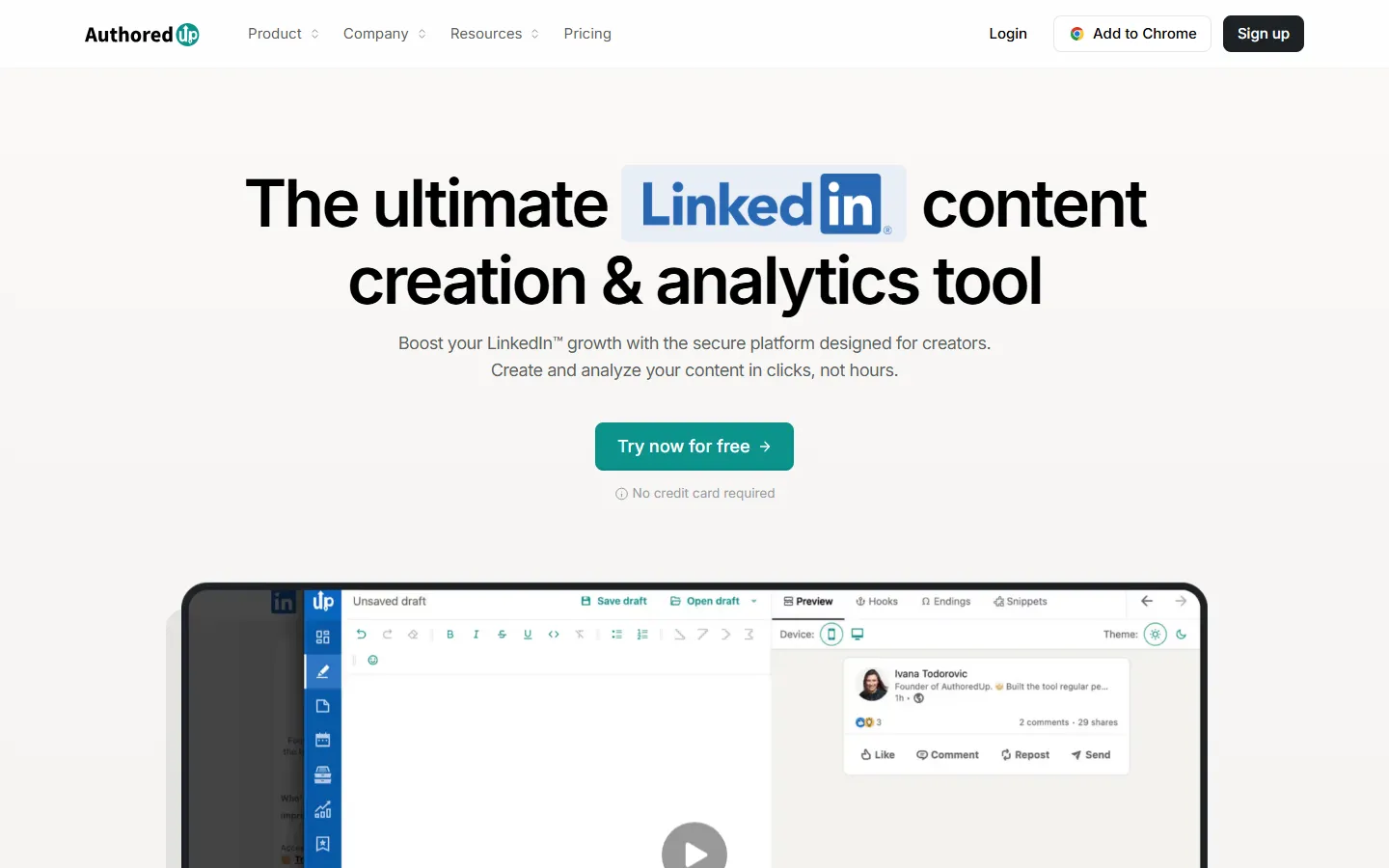
AuthoredUp homepage, checked 17 November 2026.
AuthoredUp is for people who write their own LinkedIn posts and want them formatted, previewed and measured. It has 300+ hooks and endings and content analytics. Its AI assistant was still in closed beta on 16 November 2026.
Price: $19.95 a month.
Fits: executives and consultants who already write well.
Limit: LinkedIn only, and little AI drafting today.
Other LinkedIn drafting tools (Taplio, Supergrow, ContentIn, Kleo) are compared in the best AI tools for LinkedIn personal branding.
Descript

Descript homepage, checked 17 November 2026.
Descript edits audio and video by editing the transcript. For thought leaders it turns a talk, webinar or podcast appearance into clips and quotes you can post.
Price: Free; Hobbyist $24 a month ($16 billed yearly), Creator $35 ($24 yearly).
Fits: anyone who speaks, records or hosts.
Limit: a learning curve if you have never edited video.
Napkin AI

Napkin AI homepage, checked 17 November 2026.
Napkin AI turns text into diagrams, flowcharts, mind maps and charts. A framework you explain in a paragraph becomes one image people save and share.
Price: Free; Plus $9 a month per person; Pro $22. Annual billing saves 25%.
Fits: consultants with frameworks and models.
Limit: SVG and PPT export need a paid plan.
Canva

Canva homepage, checked 17 November 2026.
Canva makes post graphics, carousels and slides, and its Brand Kit keeps colors and fonts consistent. Canva's pricing page blocked our check, so check the site for the Pro price.
Fits: anyone who posts carousels or speaks with slides.
Limit: templates make it easy to look like everyone else; use your own brand kit.
Step 5: Distribute
A view only becomes thought leadership when the right people see it, again and again. Pick one main platform, one owned channel and a scheduler.
Typefully

Typefully homepage, checked 17 November 2026.
Typefully is a clean composer and queue that publishes to Twitter, LinkedIn, Threads, Bluesky, Mastodon and Instagram.
Price: Free; Creator $99 a year (annual only); Business $18 a month per social set billed yearly.
Fits: people who post short-form across several networks.
Limit: its AI helps with phrasing; it isn't trained on your posts.
Buffer

Buffer homepage, checked 17 November 2026.
Buffer is the simplest cheap scheduler for many channels: a free plan, then $5 a month per channel.
Fits: people who share the same idea across several networks.
Limit: a calendar first, with light AI.
Beehiiv

Beehiiv homepage, checked 17 November 2026.
Beehiiv is a newsletter platform. Social platforms decide who sees your posts; a list of subscribers is an audience you own.
Price: Free up to 2,500 subscribers; Lite $49 a month billed yearly ($59 monthly).
Fits: consultants and founders whose buyers read long-form.
Limit: a newsletter needs a steady schedule to grow.
Step 6: Measure
Thought leadership is measured by who notices. Reach matters less than the right readers. Track signals from the people you want to reach: profile views from your target companies, invitations to speak or write, inbound messages and replies from peers.
Authory

Authory homepage, checked 17 November 2026.
Authory collects everything you've published (articles, guest posts, podcasts) into a portfolio and a searchable backup, with trackable share links and engagement data for your articles.
Price: Free (up to 10 items); Lite $12 a month ($9 billed yearly); Standard $19 ($15 yearly) with automatic imports. Paid plans have a 14-day free trial.
Fits: executives and consultants who publish in many places.
Limit: social posts are not its focus.
Google Alerts

Google Alerts homepage, checked 17 November 2026.
Google Alerts emails you when your name, your company or your topic appears on the web. It is free and takes two minutes to set up.
For social posts, use your platform analytics (VoiceMoat includes Twitter analytics, and LinkedIn analytics are available on Creator and above). How to read LinkedIn post analytics explains which numbers matter.
Which tools fit founders, consultants and executives?
Role | Main goal | Tools to start with |
|---|---|---|
Founder | trust with buyers, investors and hires | Wispr Flow to capture, Claude to test ideas, VoiceMoat for LinkedIn and Twitter |
Consultant | inbound clients in a narrow niche | Granola for call notes, Napkin AI for frameworks, Beehiiv for a newsletter |
Executive | visibility inside the industry with little time | Granola, AuthoredUp, Authory, with an assistant or team member approving drafts |
Founders. Your edge is what you see building the company: customer conversations, hiring lessons, numbers. Capture them weekly and post on the platforms your buyers use. The founder playbook is in personal branding for founders.
Consultants. Your edge is pattern recognition across clients. Turn repeated client questions into posts and frameworks, and keep anything confidential out. See how VoiceMoat fits consultants.
Executives. Your edge is position and access. Time is the constraint, so dictate ideas, let someone draft, and approve everything that goes out under your name. Check your company's social media policy first.
Starting stacks with monthly totals
Stack | Tools | Monthly total |
|---|---|---|
Free | Wispr Flow Free, Perplexity Free, NotebookLM, Claude Free, Buffer Free, Google Alerts | $0 |
Solo consultant | Granola Business ($14), Claude Pro ($20), AuthoredUp ($19.95), Beehiiv Free | $53.95 |
Founder on LinkedIn and Twitter | Wispr Flow Pro ($15), Claude Pro ($20), VoiceMoat Creator ($35) | $70 |
Speaker and author | Descript Hobbyist ($24), Napkin Plus ($9), Typefully Creator ($99 a year, about $8.25), Authory Lite ($12) | about $53.25 |
Prices are monthly billing unless noted, checked 16 and 17 November 2026.
A weekly thought leadership routine
Monday (20 minutes): read your capture notes from last week and pick one idea you hold that others in your field don't.
Tuesday (30 minutes): research it in Perplexity or NotebookLM. Find the best evidence for and against.
Wednesday (30 minutes): argue it out with Claude or ChatGPT using the prompts above. Write your view in one sentence.
Thursday (60 minutes): draft one long piece and three short posts from it, then schedule them.
Friday (15 minutes): check who engaged, reply to comments yourself and add new ideas to your capture list.
That is about two and a half hours a week. The structure for a full plan is in LinkedIn content strategy.
Start drafting from your own posts on LinkedIn and Twitter with a free 3-day trial at voicemoat.com.
Frequently asked questions
Can AI write thought leadership content for me?
It can draft it, but it can't supply the view or the evidence. Readers notice when a post could have been written by anyone, so feed the tool your own experience and edit every draft.
Do I need a tool for every step?
No. Most people get the biggest gain from two steps: a capture habit and a drafting tool trained on their own posts. Add research and measurement tools once you post every week.
What is the cheapest useful thought leadership stack?
The free tiers of Wispr Flow, Perplexity, NotebookLM, Claude and Buffer, plus Google Alerts, cover capture, research, sparring, scheduling and tracking for $0.