ai and voice
How to build a personal brand with AI (without sounding like AI)
·
14 min read
·
By Prateek Singh, founder of VoiceMoat
To build a personal brand with AI, use it for the slow parts (interviewing you, sorting your notes, first drafts, repurposing and reading your results) and keep the parts that make it a brand for yourself: your positions, your stories, your proof and your conversations.
The 30-day plan below does that in four weeks: week 1 positioning, week 2 voice and idea bank, week 3 publishing and replies, week 4 review and lock in the routine. Every step has the exact prompt and tool.
This guide is about the AI workflow. For the fundamentals of a LinkedIn profile, topics and posting habits, read our personal branding guide first; we will not repeat it here.
Why AI makes a personal brand harder and easier at the same time
AI made publishing nearly free, so generic posts are everywhere. That changes what a brand is worth: people follow a person with a clear point of view and real experience, and AI cannot supply either. It can only help you get yours out faster and more often.
LinkedIn has said the same in its own help pages. Its guidance on content created with AI asks members to "review, edit, and approve" anything AI helped with, says content "should still reflect the member's own voice, perspective, and experience," and suggests telling readers if you relied heavily on AI and it is not obvious. It also reminds you that you are responsible for everything you post. In July 2026, The Register reported that LinkedIn added a "Seems like AI slop" option to the post menu so members can flag posts that look machine-made.
So the goal is simple: AI as the engine, you as the source.
The tools used in this plan
You need far fewer tools than most lists suggest. Pick one from each row.
Tool | Job in this plan | Platforms | Starting price |
|---|---|---|---|
Interviews, positioning, drafts, analysis | Web, desktop, mobile | Free; Pro $20/mo | |
Same jobs; Projects keep your brand files in one place | Web, desktop, mobile | Free; paid plans check site | |
Dictating ideas and rough drafts | Mac, Windows, iOS, Android | Free; Pro $15/mo ($12 yearly) | |
Turning meetings and calls into notes you can mine for stories | Desktop | Free; Business $14/mo | |
Carousels and post images | Web, desktop, mobile | Free; paid plans check site | |
Simple scheduling across many networks | Many networks | Free, then $5/mo per channel | |
VoiceMoat | Drafts in your own voice and schedules Twitter and LinkedIn together | Twitter and LinkedIn | $35/mo (Creator), free 3-day trial |
VoiceMoat is our product. You can run the whole plan with a free AI assistant and a notes app; the paid tools only save time. Prices checked 17 November 2026.
Claude or ChatGPT
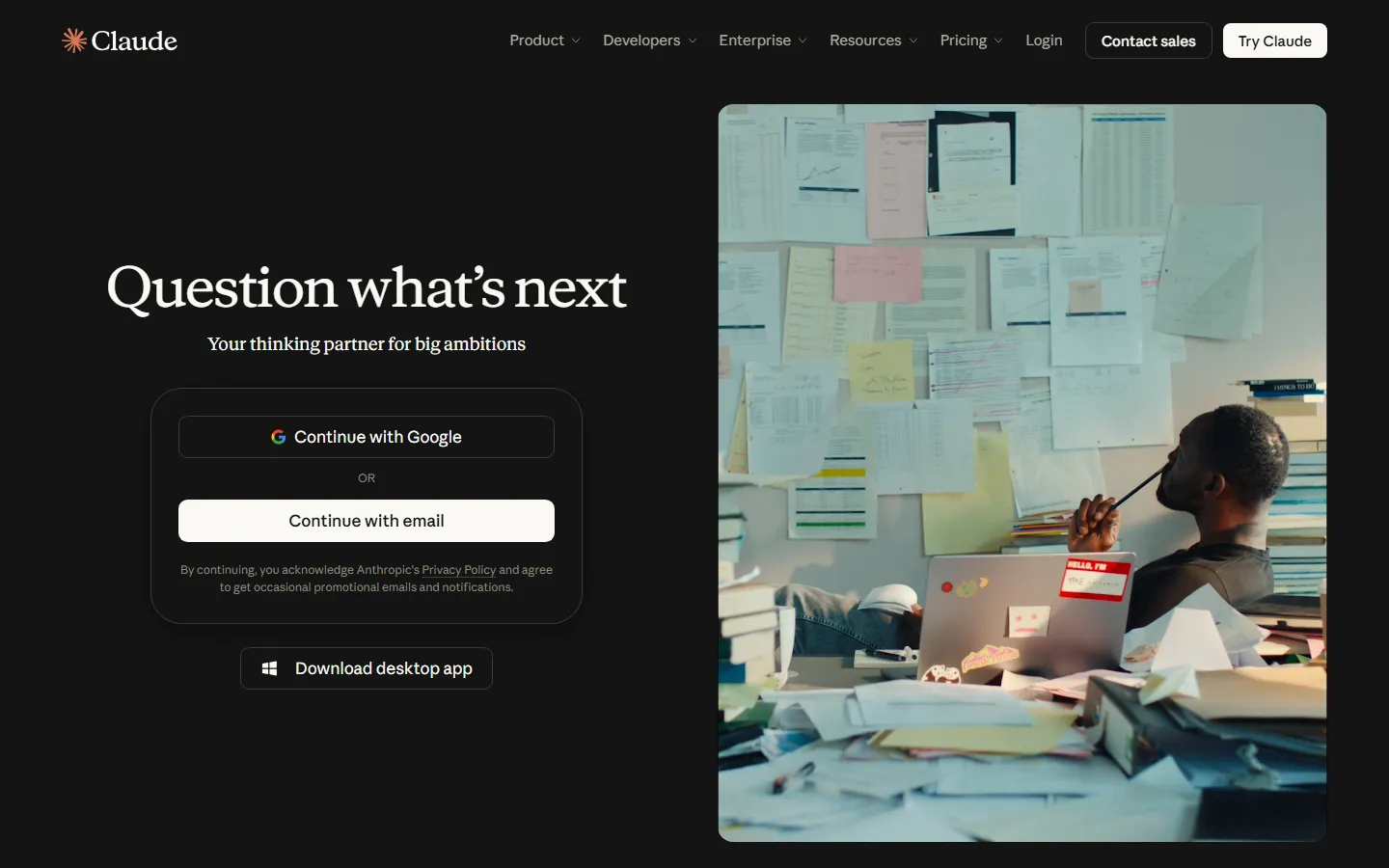
Claude homepage, checked 17 November 2026.
Either works for every prompt below. Use one place for all of it (a Claude project, or a ChatGPT Project) so your brand files live with the chats. The limit: neither publishes, schedules or reads your post results unless you paste them in.
Wispr Flow and Granola

Wispr Flow homepage, checked 17 November 2026.
Capture matters more than drafting. Wispr Flow turns speech into text in any app, and its free tier has a weekly word cap. Granola takes meeting notes without a bot joining the call, and its free tier keeps 30 days of history. Both fit people whose best ideas come out while talking. The limit: they capture; they do not decide what is worth posting.
VoiceMoat

VoiceMoat Studio suggesting post ideas, with Style and Stance checks on each draft.
VoiceMoat learns your writing patterns from your own posts, with a separate Profile DNA for Twitter and for LinkedIn, then drafts posts and threads in Studio with Style and Stance checks, and schedules both platforms from one app. It fits people who post on both networks. The limit: it covers Twitter and LinkedIn only, and your ideas still have to come from you.
Week 1 (days 1 to 7): find what you stand for
The point of week 1 is a one-page brand document. Every later prompt uses it.
Day 1: let the AI interview you
Most people ask AI to "write a positioning statement" and get something that could describe anyone. Reverse it: make the AI ask the questions.
Answer by voice with Wispr Flow if typing slows you down. Rambling is fine; specifics are the goal.
Day 2: turn the interview into positioning
Pick one statement. Then send it to three people who know your work and ask, "Is this what you would come to me for?" Their answer beats any AI's.
Day 3: fix your profile
Rewrite your LinkedIn headline, About section and Twitter bio to match the statement. Generate options if you like, and keep only lines you would say out loud to a client.
Days 4 to 5: choose three pillars
Keep three. More than that and nobody can finish the sentence "she's the one who posts about...".
Days 6 to 7: write the brand document
Ask the AI to compile your answers into one page: positioning, audience, beliefs, pillars, and a "never say" list. Edit it by hand. Save it as the first file in your project. If you want a deeper structure for this document, see what a personal brand OS is.
Week 2 (days 8 to 14): capture your voice and build an idea bank
Day 8: collect your own writing
Gather 15 to 20 things you wrote without AI: posts, long emails, Slack messages where you explained something, a talk transcript. Your real writing is the only reliable source for your voice.
Day 9: extract your voice guide
Add a "banned words" section by hand. Start with the words you cut most often from AI drafts. For a fuller method, see how to find your personal brand voice.
If you use VoiceMoat, this step is built in: Voice Lab trains on your own Twitter posts automatically through the API, and on LinkedIn in one click with the Chrome extension or by pasting posts. The first training is free on every plan.
Days 10 to 11: mine your stories
Save every answer in a "proof bank" note. This list is the raw material for the next 30 posts.
Day 12: set up daily capture
From today, any time you think "that would make a good post", dictate it into one note (Wispr Flow on desktop, your phone's notes app elsewhere). If you are on a lot of calls, let Granola take notes and skim them on Fridays for stories.
Days 13 to 14: draft your first three posts
Then edit each draft by hand with the checklist in "How to keep your own voice" below. Expect to rewrite at least the first and last lines.
Week 3 (days 15 to 21): publish, reply, repurpose
Day 15: plan two weeks
Day 16: schedule the first week
Schedule with Buffer (free to start) or VoiceMoat (paid plans; one calendar per profile, so Twitter and LinkedIn posts are scheduled from the same app). Schedule each platform's version on its own; a post written for LinkedIn rarely works pasted into Twitter.
Day 17: repurpose one post for the other network
Day 18: make one visual
Turn your strongest list-style post into a short carousel in Canva. Keep the words yours; let the design tool handle layout.
Days 19 to 21: reply and comment by hand
Spend 20 minutes on each posting day replying to everyone who commented and leaving real comments on 5 to 10 posts from people in your field. Use AI here at most to check a reply for clarity, never to write it from scratch. Comments are where the relationships behind a personal brand form, and they are the first thing people notice when they are automated.
Week 4 (days 22 to 30): read the results and lock in the routine
Day 22: review what happened
Export or copy your post stats, then:
Weight comments and messages from the right people above raw impressions.
Days 23 to 27: post your first strong opinion
Pick one belief from week 1 that people in your field would argue with, and write the post yourself, start to finish. Use AI only to tighten it afterwards. This is the post that tells people what you stand for, so it should carry no trace of a template.
Days 28 to 29: update your files
Add new stories to the proof bank, drop a pillar that did nothing, and add any phrases you cut from AI drafts to the banned list.
Day 30: fix your weekly routine
A routine you can keep beats a burst you cannot. Ours, as an example written for this guide:
When | Task | Time |
|---|---|---|
Daily | Dictate ideas into the capture note | 5 min |
Monday | Pick the week's proof-bank items, draft with AI, edit by hand | 90 min |
Monday | Schedule the week | 15 min |
Posting days | Reply to comments, comment on peers | 20 min |
First Monday of the month | Results review prompt, update files | 30 min |
That is about 3 hours a week. If you want to see how an all-in-one setup changes the time, audenAI, the brain inside VoiceMoat, can answer questions about your account and draft, schedule or post after you confirm; audenAI, the brain inside VoiceMoat, does the work and you decide what goes out.
What not to automate
Safe to hand to AI | Keep for yourself |
|---|---|
Interviewing you and organising your answers | Your positions and opinions |
First drafts from your own notes | Your stories, numbers and client results |
Repurposing one post into other formats | Final edit and approval of every post |
Suggesting a calendar | Replies, comments and DMs |
Summarising your analytics | Deciding what to change |
Layout and design of visuals | Anything you could not defend on a call |
Three hard lines, from LinkedIn's own rules:
No engagement bots. LinkedIn's User Agreement (section 8.2) bans bots and other unauthorised automated methods to access the service, including to automate messages and engagement. Auto-commenting, auto-liking and auto-DM tools put your account at risk.
No shared logins. Section 2.2 says you will not share your account with anyone else, and section 8.2 bans using another's account, including by sharing log-in credentials. Use tools that connect through official sign-in.
No unchecked claims. Section 3.6 warns that AI-generated content might be inaccurate or misleading and asks you to review and edit it before sharing. Every number in a post should be one you can source.
How to keep your own voice in every post
Run this checklist on every AI-assisted draft before it goes out:
The specific test. Does the post contain one detail only you could know (a number, a name of a tool you used, a date, a mistake)? If not, add one or do not post it.
The read-aloud test. Read it out loud. Any line you would not say to a colleague goes.
The opening test. Rewrite the first line yourself. AI openings are the most recognisable part of an AI post.
The banned-word test. Search for every word on your banned list.
The ending test. Cut generic closing questions and "thoughts?" lines unless you mean them.
The disagreement test. Is there one sentence someone could argue with? Brands are built on positions.
The drift test. Once a month, put your last 10 posts next to the 3 samples in your voice guide. If they look like different people, retrain or rewrite the guide.
You can paste a draft into our free brand voice analyzer for a second look. VoiceMoat runs two checks on every draft in Studio: Style (does it look like your own posts) and Stance (does it say what you actually say), and it points to the line that clashed.
Frequently asked questions
Is it okay to use AI for LinkedIn posts?
Yes, according to LinkedIn's own guidance, as long as you review, edit and approve what AI helped with, the content reflects your own voice and experience, and you say so if you relied heavily on AI and it is not obvious. What LinkedIn bans is automation of access and engagement, such as bots.
Should I build a custom GPT or project for my brand?
A project with your brand document, voice guide and proof bank attached is enough for most people. It stops you pasting the same background into every chat. A tool trained on your own posts goes further, because it learns from what you actually published.
How long until a personal brand built with AI works?
The 30 days here set up the system. Reputation takes months of consistent posting and conversation; for founder-specific timelines see personal branding for founders.
Which prompts should I use after day 30?
Our AI prompts for personal branding collects more, grouped by stage. Start your free 3-day trial at VoiceMoat to run weeks 2 to 4 of this plan from one app.