
The 10 best Chrome extensions for Twitter/X creators in 2026 are Tweet Hunter Sidebar, the VoiceMoat extension (voice-trained reply drafting inline on x.com), SuperX, Buffer, Xposter AI, Postiz, Minimal Theme for X (by Typefully), ControlPanel for Twitter, Black Magic for X, and Dewey. Every tool on this list is a real, currently-listed Chrome Web Store extension that works inside x.com itself, which removes the tab-switching friction that kills sustained content cadence at 5 to 10 voice-rich replies per day. That is a deliberate bar: several tools that appear in other Chrome-extension roundups (Postwise, Brandled, Hypefury's growth automation, and the discontinued Hootsuite Hootlet) are powerful but are not current browser extensions, so they are covered in the exclusions below rather than ranked here. The right extensions cover the categories serious creators use: voice-trained reply drafting, AI writing and growth inside the timeline, multi-channel scheduling, reply drafting at scale, UI cleanup, feed analytics, and bookmark research. The named-competitor exception applies in this piece because a Chrome extensions roundup is structurally about specific tools; the rest of the corpus stays in category language. Pricing is verified against each vendor's public pricing page as of June 2026; where a vendor does not surface pricing publicly, this piece declines to cite specific numbers per the source-of-truth discipline.
The placement discipline up front: this piece does not place VoiceMoat at number one. The credibility math on a roundup that places the publisher's own product at the top of the rankings collapses on first read; the audience reads the placement as marketing rather than as a roundup, and the citation-grade value the roundup is engineered to earn evaporates. VoiceMoat sits at position two with the voice-trained-reply-drafting positioning per the placement-discipline applied across this corpus. Readers can disagree with any ranking and the disagreement is productive because the reasoning sits on the page. The closer 7-tool AI ghostwriter roundup is at the 7 best AI ghostwriter tools for Twitter and LinkedIn in 2026; the broader 10-tool AI Twitter roundup at the platform-and-tool level is at the 10 best AI Twitter tools in 2026: an honest roundup. The architectural read on which AI writers are built for the 2026 X ranker rewrite (Phoenix transformer, 19 engagement heads, voice-as-embedding) is at VoiceMoat vs Tweet Hunter, Typefully, Hypefury: which one writes for the 2026 algorithm.
What is a Twitter/X Chrome extension, and why use one?
A Twitter/X Chrome extension is a browser add-on that injects extra functionality directly into x.com itself: reply drafting, scheduling, analytics overlays, UI customization, or content capture, all without leaving the feed. The value is the removed tab-switch. The friction of leaving x.com to draft in a separate tool is the friction that quietly kills a creator's posting and reply cadence over weeks, and the best extensions exist to remove it.
The case for on-platform tooling is stronger in 2026 than it has ever been. Buffer's October 2025 analysis of 18.8 million posts across 71,000 accounts found the median non-Premium account now sees roughly 0% engagement, while Premium accounts reach around 0.49% and Premium text posts climb toward 0.9%. When the median post earns almost no engagement, growth on X is carried by the marginal voice-rich reply landed in the right conversation, and an extension that surfaces that reply draft inline on x.com is what makes 5 to 10 replies a day sustainable rather than a tab-switching grind. The framework on reply-led growth is at the smart reply guy strategy.
The extension category itself shifted after X's February 2023 API repricing, which retired most of the old free-tier scraper and bulk-automation extensions. The tools that survived, and the ones worth installing in 2026, work inside your own logged-in x.com session rather than hammering the API from outside, which is both more durable and safer under X's automation rules. That is the lens this roundup applies: on-platform workflow first, voice fidelity as the load-bearing axis, and pricing cited only where the vendor surfaces it publicly.
How we picked these extensions
Ten extensions, ranked on the criteria that actually bind for a creator running x.com daily, not on feature counts. Every one was checked against the Chrome Web Store: if a tool ships only a web-app dashboard and no browser extension, it is not on this list.
- On-platform workflow. Does it work inline on x.com itself, removing the tab-switch that erodes cadence?
- Voice fidelity. Does it draft in the creator's specific voice, or in a helpful-assistant default the audience reads as not-the-writer? This is the load-bearing axis for anything that writes.
- Category coverage. The list spans the categories serious creators actually use: voice-trained drafting, growth automation, scheduling, analytics, and UI control. One winner per lane, not ten of the same tool.
- Pricing transparency. Prices are cited only where the vendor surfaces them publicly (verified June 2026); tools without a public price are flagged, not guessed.
- Safety under X's rules. Drafting assistance inside your own session is fine; bulk auto-engagement is flagged where it appears.
| Extension | Category | Voice fidelity | Free option | Starts at |
|---|---|---|---|---|
| Tweet Hunter Sidebar | Inspiration capture | Structural mimicry | Yes, free sidebar | $29/mo platform |
| VoiceMoat | Voice-trained replies | Full-profile, highest | Yes, free plan | $35/mo |
| SuperX | AI writing + growth | General-LLM | Free trial | $39/mo |
| Buffer | Multi-channel scheduling | General-LLM | Yes, free plan | $5/mo |
| Xposter AI | Reply at scale | General-LLM | Free trial credits | Not public |
| Postiz | Open-source scheduling | General-LLM | Yes, self-host | $29/mo cloud |
| Minimal Theme for X | UI cleanup + writer mode | Not applicable | Yes, free | Free |
| ControlPanel for Twitter | UI customization | Not applicable | Yes, free | Free |
| Black Magic for X | Feed analytics | Not applicable | Yes, free tier | $8/mo |
| Dewey | Bookmarks + research | Not applicable | Yes, free-forever | ~$5/mo |
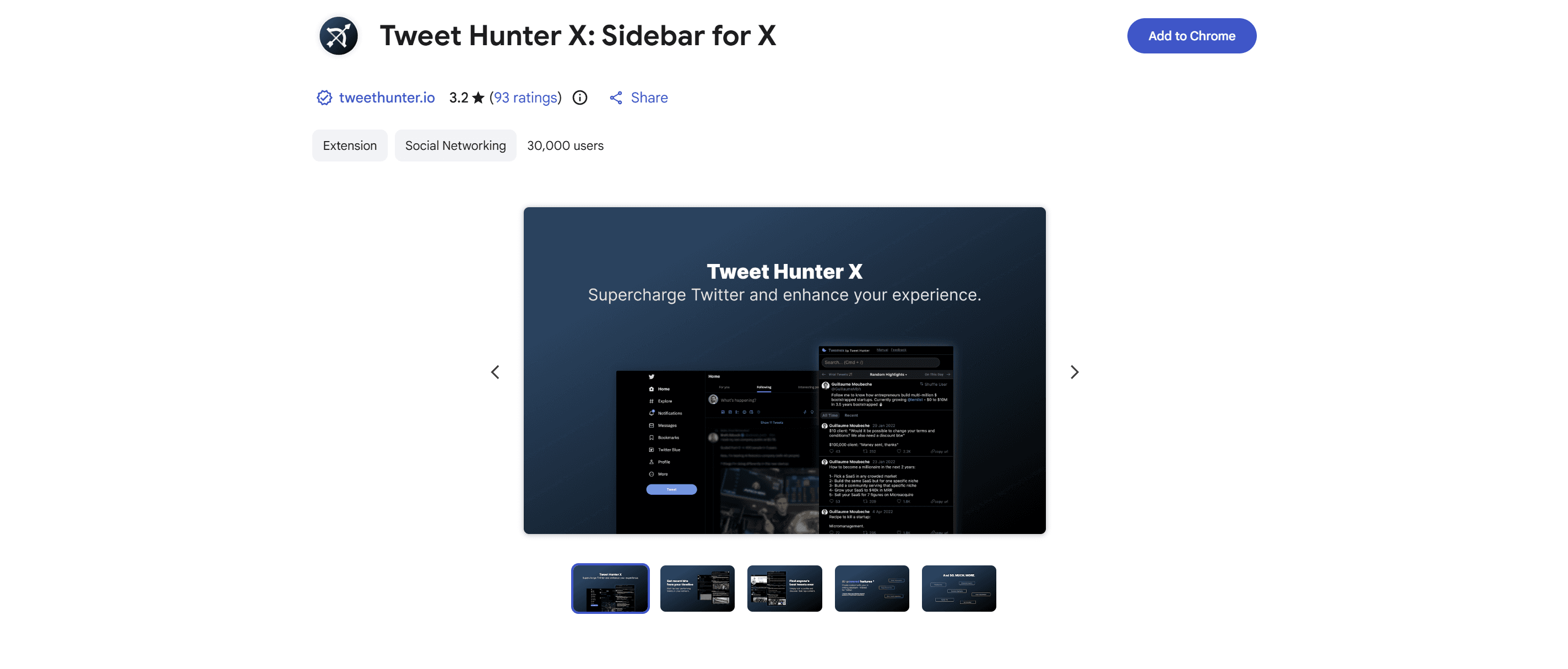
#1 Tweet Hunter Sidebar (free): inspiration capture and Tweet Hunter library inside x.com
Tweet Hunter ships a free Chrome sidebar (Tweet Hunter X) that brings the Tweet Hunter inspiration library inside the x.com feed. The pitch is inspiration-capture-without-tab-switching: a creator scrolling x.com can pull viral-tweet examples from Tweet Hunter's library, save drafts, and access the broader Tweet Hunter writing surface without leaving the platform. The free tier of the sidebar is the entry point; the paid Tweet Hunter tiers (Discover $29/mo, Grow $49/mo, Enterprise $199/mo as of 2026-05-15) unlock the full AI writing platform.
Strengths: free entry point lowers the friction to try; inspiration library is large; integration with the paid Tweet Hunter platform is clean for creators who eventually move up the tier ladder. Limitations: voice fidelity is at the structural-mimicry layer (rewrites in viral-tweet style rather than the writer's specific voice); the sidebar is best at inspiration capture rather than voice-trained drafting. Verdict: number-one position for creators who want a free starting point for inspiration-capture inside x.com itself. The deeper read on Tweet Hunter as a tool is at VoiceMoat vs Tweet Hunter: viral library vs Voice DNA.
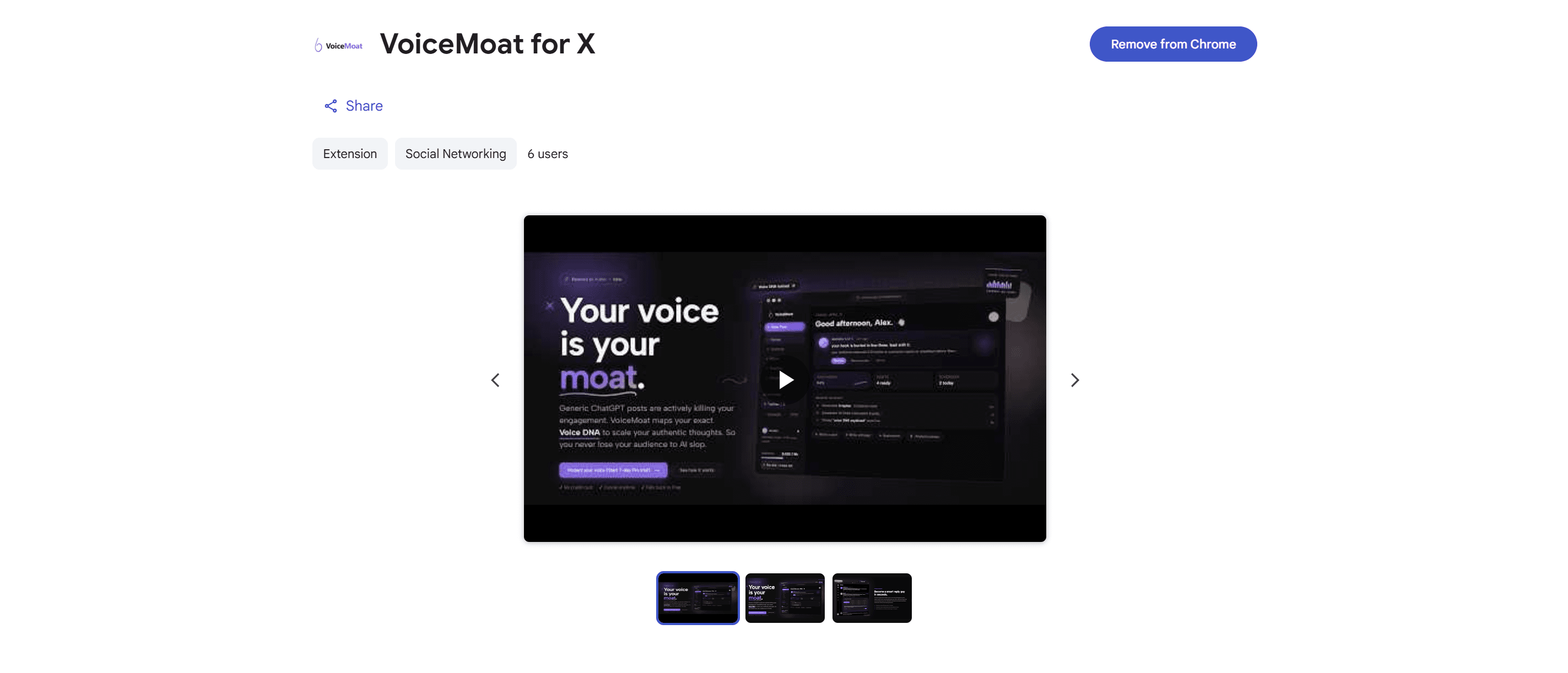
#2 VoiceMoat Chrome extension (free with any plan): voice-trained reply drafting inline on x.com
VoiceMoat ships a Chrome extension that overlays voice-trained reply drafts directly inside x.com itself. The pitch is reply-without-leaving-X: a creator hovers over a tweet, the extension surfaces three voice-trained reply drafts across selectable tone presets (witty, contrarian, story, roast, and the rest of the 12-preset set), and the creator selects, edits in 10 to 20 seconds, and posts directly through their own X session. The reply drafts run on the same audenAI voice training as the main VoiceMoat dashboard, which means the reply voice profile is the writer's full profile (posts, replies, threads, and images across the 10 signals of voice). Pricing: the extension is free with every VoiceMoat plan, including the free $0 plan (Free, then Creator $35/mo, Pro $69/mo, Enterprise $150/mo, verified July 2026); you can try a paid plan first with a paid 3-day trial (from $1). Reply generation counts against the plan's daily reply cap (10 on Free, 50 on Creator, 100 on Pro, 200 on Enterprise).
Strengths: voice fidelity at the deepest layer in the category for inline reply drafting because audenAI is trained on the full profile rather than on prompted style instructions; three variants per tone preset; sub-2-second draft generation; available on the Chrome Web Store at voicemoat.com/extension for Chromium browsers (Chrome, Edge, Brave). Limitations: covers Twitter and LinkedIn, not multi-platform; Firefox support is planned but not yet available at time of writing. Verdict: number-two position; the placement is not number-one per the credibility-licensing reasoning above. For creators who run the smart reply guy strategy at sustained cadence, the inline reply drafting is the workflow that makes the cadence sustainable.
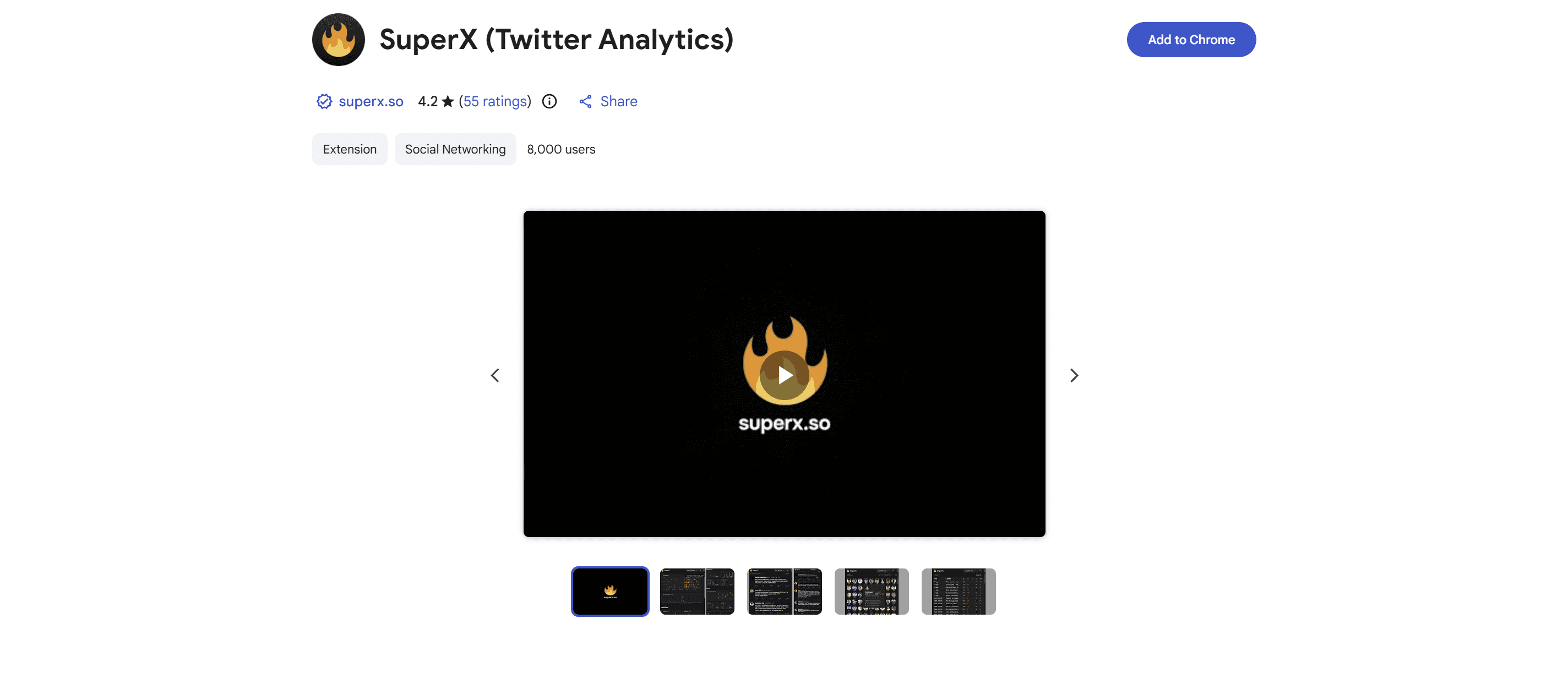
#3 SuperX: AI post and thread writer with an engage tool inside the timeline
SuperX is a Chrome extension (listed as SuperX: Twitter Analytics on the Chrome Web Store) that layers an AI writing and growth surface directly onto x.com: an AI post and thread writer, an Engage tool that drafts replies in the timeline, a library of viral-post examples, and inline analytics, all without leaving the feed. It logs in through the official X OAuth flow and only reads what you already see on x.com. Pricing as of June 2026 (verified on superx.so): no permanent free tier but a free trial, then Pro $39/mo, Advanced $39/mo (regularly $49), and Ultra $199/mo.
Strengths: the broadest in-timeline AI surface of any single extension here (write, reply, analyze, and a large viral-post library in one install); the official-OAuth, read-only posture is reassuring on permissions. Limitations: the AI is a general-LLM register rather than trained on your specific voice, which is the load-bearing voice-fidelity gap, and the engage-at-volume features sit adjacent to the voice-corrosive edge if you let the tool drive the cadence. Verdict: number-three position for creators who want the widest AI-and-growth surface inside x.com and are comfortable editing for voice on top. The argument for why a general AI register reads as not-you is at why all AI-written tweets sound the same.
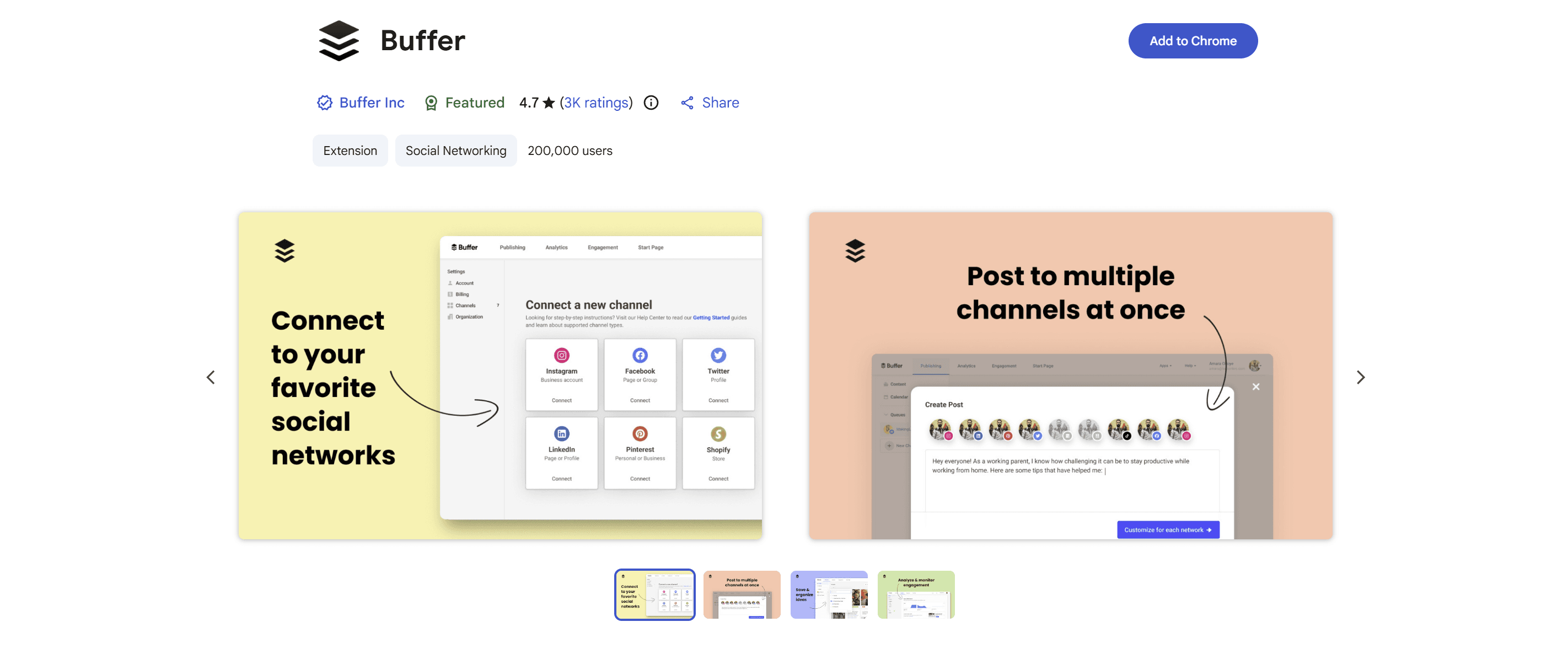
#4 Buffer Chrome extension: multi-channel scheduling with X support
Buffer ships a Chrome extension that surfaces multi-channel scheduling actions (share-to-Buffer-queue) from any web page including x.com. Buffer covers 11 publishing platforms and is the canonical multi-channel scheduling tool, established in the social-media-management category for over a decade. Pricing as of June 2026 (verified on buffer.com/pricing): a free plan (up to 3 channels, 10 scheduled posts each), then Essentials from $5/mo per channel and Team $10/mo per channel.
Strengths: broadest multi-channel coverage in the category; team workflows with approval flows and custom access permissions on the higher tiers; long-stable product with proven reliability. Limitations: AI features are general-LLM-flavored rather than voice-trained, which is the load-bearing voice-fidelity gap for serious X creators; the tool's center of gravity is multi-channel scheduling rather than voice-rich drafting. Verdict: number-four position for creators who run X plus three or more additional platforms. The deeper read on Buffer as a tool is at why Twitter creators need more than a scheduler.
#5 Xposter AI Chrome extension: reply drafting at scale
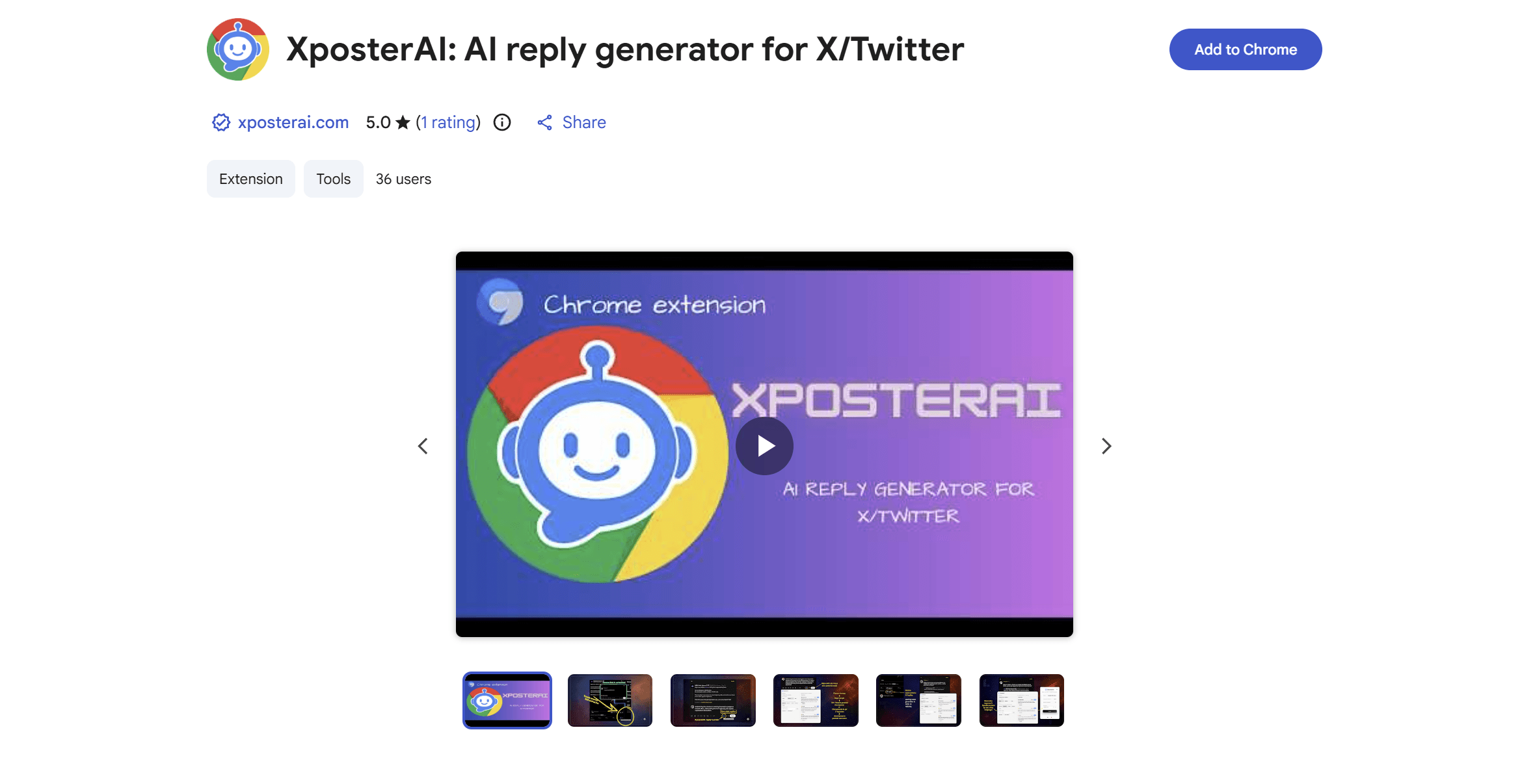
Xposter AI ships a Chrome extension (XposterAI: Engage with X on the Chrome Web Store) that surfaces one-click AI reply drafting inside x.com itself: click the reply icon under any post to generate a response, and right-click to cycle tones (witty, neutral, sarcastic, or custom). The pitch is reply-volume-at-scale; the workflow leans toward higher reply volumes per day than the voice-first reply playbook recommends. Pricing is credit-based with a free trial; the vendor does not surface complete tier-by-tier figures on a single canonical page, so this piece declines to cite specific monthly numbers per the source-of-truth discipline; verify on xposterai.com.
Strengths: scales reply volume with low per-reply marginal time; clean one-click inline workflow on x.com itself. Limitations: voice fidelity is at the general-LLM layer rather than the voice-trained-per-writer layer, the load-bearing gap for serious creators; the high-volume reply workflow sits adjacent to the voice-corrosive edge that the grow on X without buying followers or engagement pods in 2026 piece flags as the structural risk. Verdict: number-five position with the voice-fidelity caveat.
#6 Postiz: open-source multi-platform scheduler with a browser extension
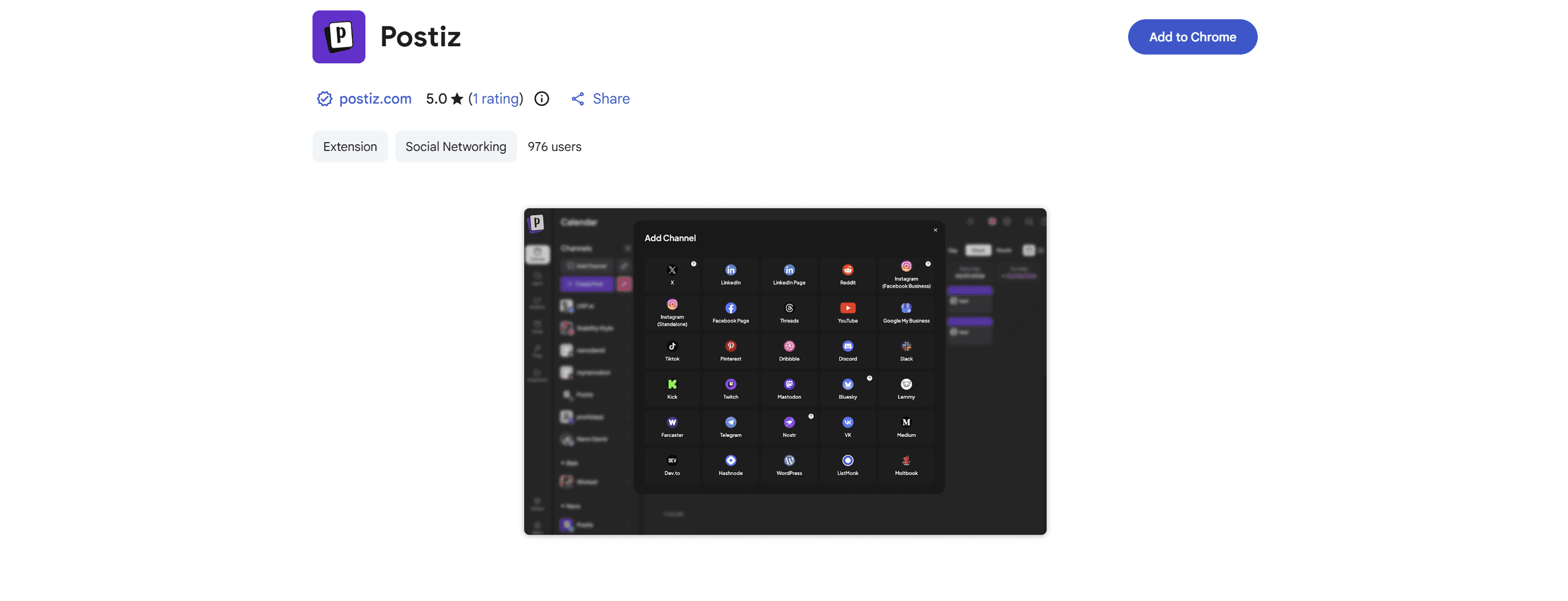
Postiz is an open-source social-media scheduling tool with a Chrome extension that lets you capture and schedule posts to x.com and other platforms without opening the dashboard. The open-source posture is the differentiator: you can self-host the whole stack on your own infrastructure, or use the hosted cloud. Pricing as of June 2026 (verified on postiz.com/pricing): free and self-hostable, or hosted cloud from Standard $29/mo through Ultimate $99/mo, with a 7-day trial.
Strengths: open-source and self-hostable, which is rare in the category and appealing for creators who want control over their data; multi-platform scheduling from a lightweight inline surface. Limitations: AI assistance is general-LLM-flavored, not voice-trained; self-hosting carries a setup cost most solo creators will not want, and the hosted tiers price like a full scheduler rather than a utility. Verdict: number-six position for creators who value the open-source and self-host options in a scheduler. The case for staying deep on Twitter and LinkedIn rather than spreading thin across platforms is at Bluesky vs X for social media creators.
#7 Minimal Theme for X (by Typefully): UI cleanup and a distraction-free writer mode
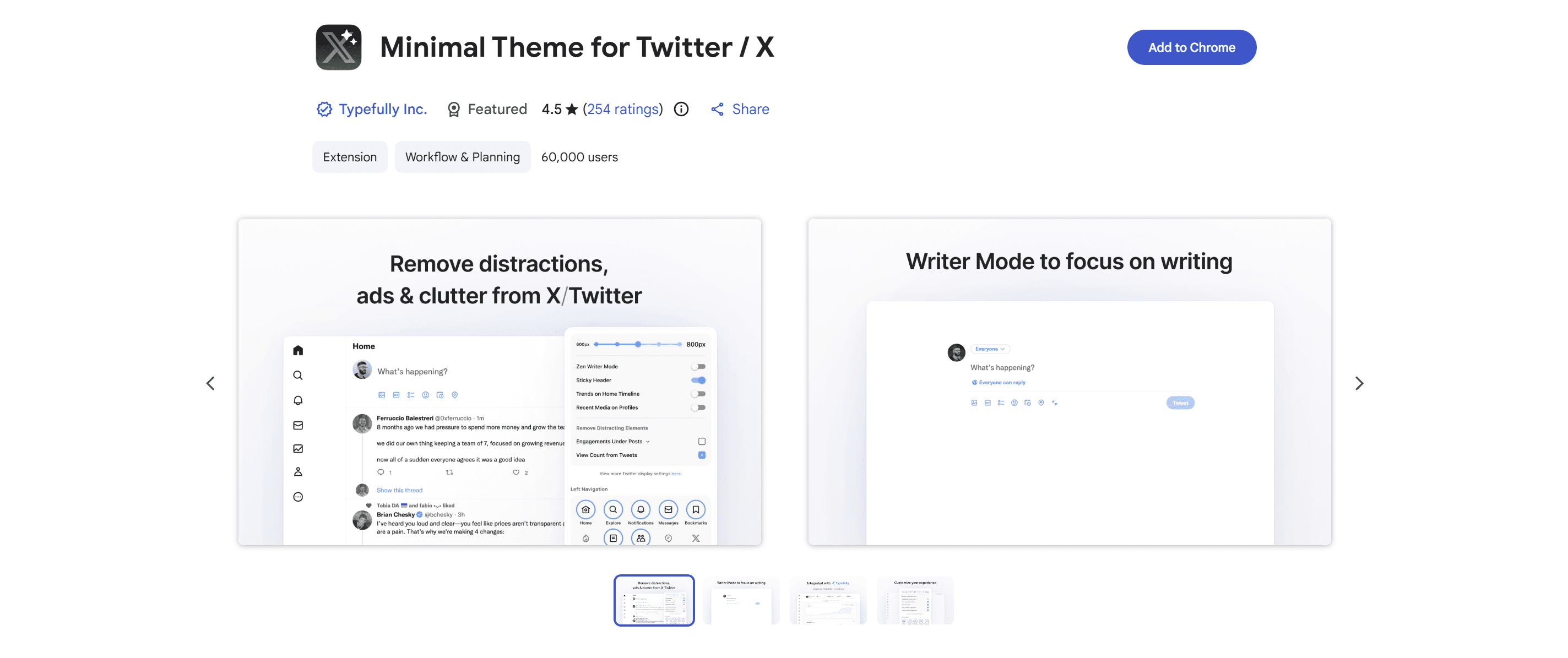
Minimal Theme for X is a free Chrome extension built by Typefully that strips the x.com interface down to a calmer reading-and-writing surface: it removes ads and promoted posts, hides the algorithmic For You tab to default to chronological, hides trends and Who-to-follow, removes view counts, and adds a Writer Mode that hides everything except the composer. It is the most widely-installed free Twitter extension across creator roundups, open-source and actively maintained, with a clean permission set. Typefully the thread-composer is a separate web app (free, then from $8/mo, with AI features from $19/mo); this extension is the part of Typefully that actually lives on x.com.
Strengths: free; open-source; the Writer Mode is a genuinely useful distraction-free composing surface inside x.com; clean permissions with no data-collection concern. Limitations: it is a UI-and-composing aid, not a drafting or analytics tool, so it pairs with a voice-trained drafter rather than replacing one. Verdict: number-seven position for creators who want a calmer x.com and a distraction-free composer. The deeper read on the Typefully web app is at VoiceMoat vs Typefully: when beautiful minimalism isn't enough; the alternative roundup is at 8 best Typefully alternatives in 2026 (beyond minimalist scheduling).
#8 ControlPanel for Twitter / X: UI customization for power users
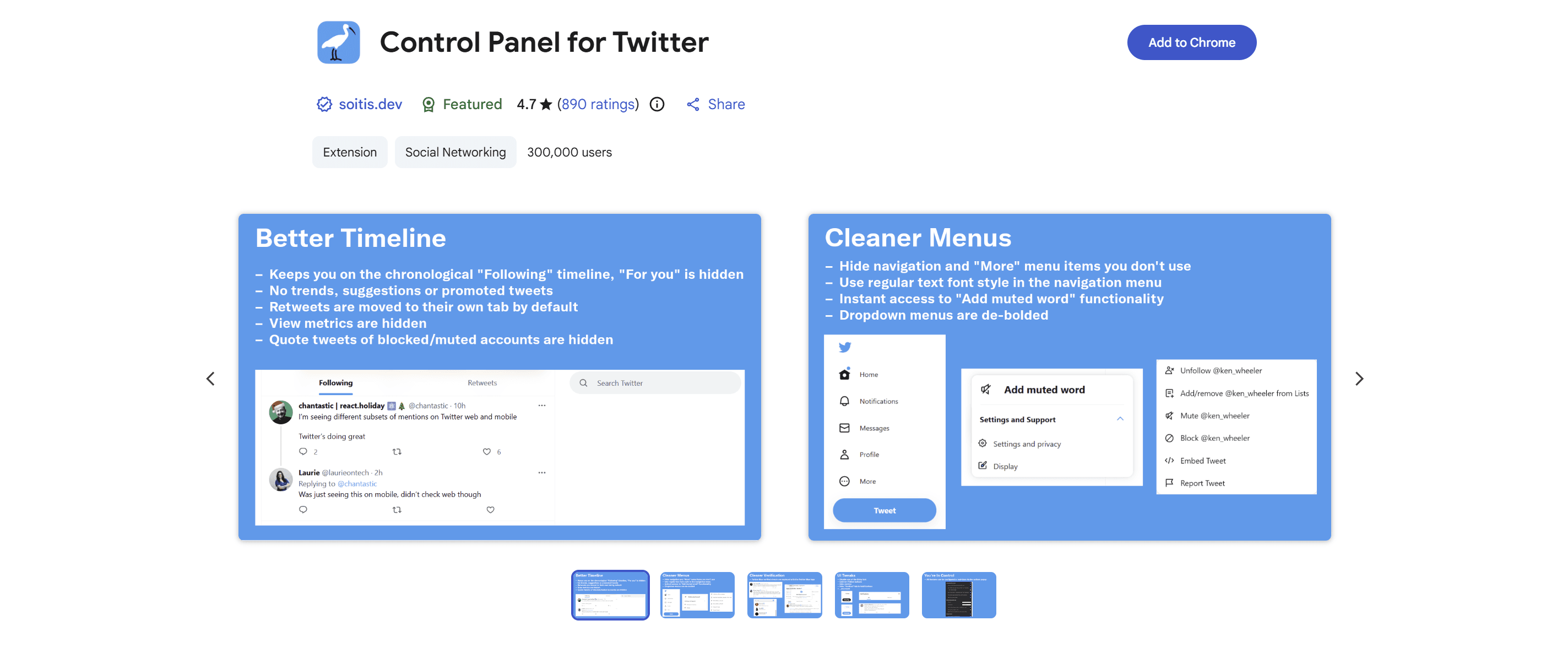
ControlPanel for Twitter (also distributed as ControlPanel for X across the renaming) is a free, open-source Chrome extension that surfaces granular UI customization on x.com itself: hide the For You tab, keep yourself on the chronological Following timeline, suppress promoted-tweet visibility, fast-block and mute options, and dozens of other per-feature toggles that compound into a less-noisy x.com experience. It is widely-used among power creators who run serious daily time on x.com, with a 4.7-plus rating across hundreds of reviews.
Strengths: free; open-source; surfaces UI customization the native x.com client does not expose; reduces the cognitive overhead of running the platform at sustained cadence. Limitations: not a content tool; provides no drafting, scheduling, or analytics surface. Verdict: number-eight position as a utility-category power tool; it is not a content tool, but it is load-bearing for creators who run x.com for hours per day and want to reduce the platform's attention-tax. It pairs naturally with Minimal Theme for X, though most creators pick one of the two rather than both.
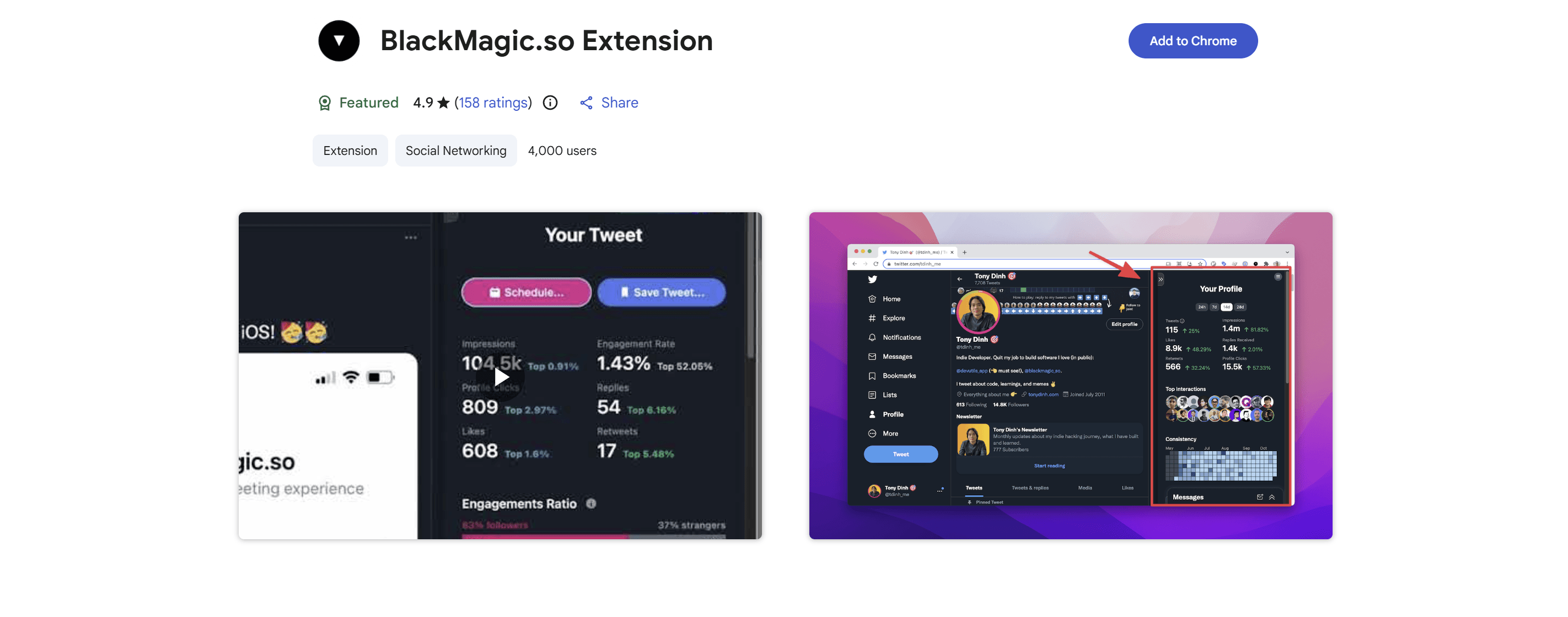
#9 Black Magic for X: viral metrics overlay on the feed
Black Magic for X is a Chrome extension that surfaces a viral-metrics overlay inside x.com itself, showing per-tweet engagement multipliers, follower-conversion estimates, and other growth-analytics surfaces directly on the feed, plus a personal Twitter CRM and scheduling. Black Magic is widely-used among power-creator-tier accounts who want feed-level analytics without leaving x.com, with a 4.9 rating on the Chrome Web Store. Pricing: free tier, then $8 a month, billed at $7.99 (verified on blackmagic.so, June 2026).
Strengths: feed-level analytics surfaced inline; lightweight overhead; useful for power creators who want quick visual cues on what is working in the broader feed. Limitations: analytics-first (drafting and scheduling are secondary); some metrics are estimates rather than verified figures; the engagement-multiplier framing can drift toward the metrics-optimization pattern that flattens voice over time if the creator treats the overlay as a content-strategy guide. Verdict: number-nine position for power creators who want feed-level metrics directly inline.
#10 Dewey: a searchable home for your X bookmarks
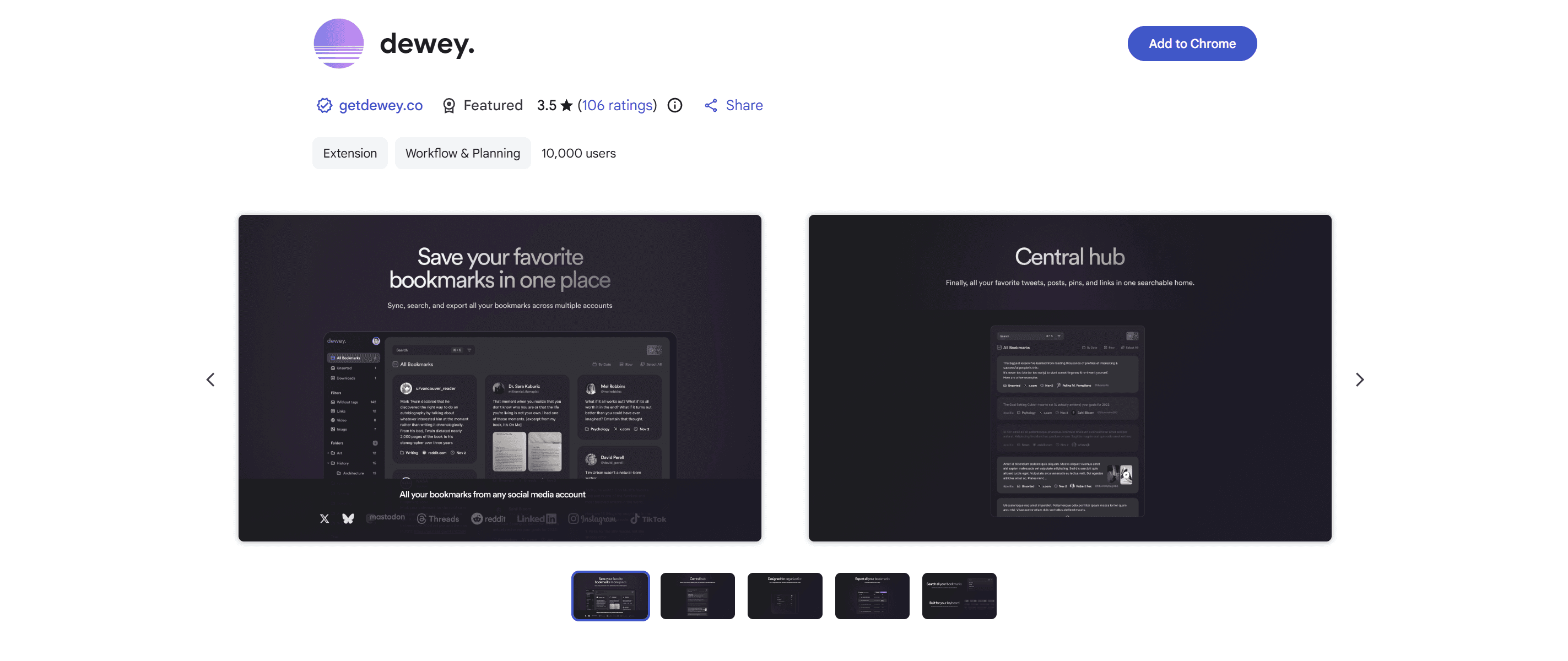
Dewey is a Chrome extension and companion app that turns your scattered X bookmarks into a searchable, organized library: folders and nested folders, tags, lightning-fast search across every saved post, AI bulk-tagging, and one-click export to CSV, PDF, or Google Sheets. It is trusted by 50,000-plus members and now also covers LinkedIn and Bluesky bookmarks. Pricing as of June 2026: a free-forever plan for core bookmarking, with premium features from about $5/mo (verify on getdewey.co).
Strengths: turns the near-useless native bookmark list into a real research and idea-capture system, which is the load-bearing input to a voice-rich content workflow; generous free tier. Limitations: it is a research-and-organization utility, not a drafting, scheduling, or analytics tool. Verdict: number-ten position for creators who use bookmarks as a seed-capture system. Why continuous seed capture, not on-demand prompting, is the foundation of an AI content workflow is at how to build a Twitter content workflow using AI.
What did not make the list?
Four categories of Chrome extensions that sometimes appear in similar roundups but did not make this list. Each exclusion is operational discipline, not a feature gap. First, general-LLM-assistant extensions (ChatGPT4Google, Sider AI, Merlin AI) are widely used by creators who repurpose them for X drafting; the exclusion is on category-correctness because general-LLM-assistants converge on helpful-assistant default register that the X audience pattern-matches as not-the-writer within seconds; the deeper argument is at why all AI-written tweets sound the same.
Second, pure utility extensions (Tweet Eraser, TweetDelete, archive-and-export tools) are useful for account hygiene but not creator-tooling category; the exclusion is on category-fit. Third, AI-detection extensions (GPTZero browser extensions, Originality.ai extensions) are useful for editors checking incoming content but not for creators producing content; the deeper read on AI detection at the tool level is at AI detection tools tested: which ones actually catch you in 2026.
A fourth exclusion is specific to this list and worth naming directly: tools that get called Chrome extensions but are actually web-app dashboards. Postwise (AI ghostwriting), Brandled (two-platform X and LinkedIn writing), and Hypefury's growth automation are all real, capable products, but each runs as a web app you log into, not as a browser extension that works inside x.com (Hypefury's actual extension is a minor bookmark-and-schedule helper, not its automation suite). Hootsuite belongs in the same bucket for a different reason: its Hootlet browser extension was retired in 2021, so Hootsuite is now a web-and-mobile platform with no current Chrome extension. They are excluded on the factual definition of a Chrome extension, not on quality. The head-to-heads on those tools are at VoiceMoat vs Postwise, VoiceMoat vs Brandled, and VoiceMoat vs Hypefury.
One name conspicuously absent from older roundups is Twemex, the sidebar that surfaced top tweets and search inside x.com. Twemex was acquired and folded into Tweet Hunter, and its functionality now ships as the Tweet Hunter Sidebar at number one, so it is represented here under its current name rather than as a separate entry.
Are Twitter Chrome extensions safe, and will they get you banned?
Yes, reputable Twitter/X Chrome extensions are safe to use, and drafting-assistance extensions do not get you banned. X's rules target spam and platform manipulation, not browser tools that help you write. The distinction that matters: an extension that drafts a reply you then read, edit, and post yourself is assistance, while an extension that auto-posts bulk replies or runs auto-engagement loops crosses into the automation behavior X's rules restrict, and it is also the behavior that flattens your voice fastest.
Two practical safety checks before installing anything. First, review the permissions: a reply-drafting or analytics extension needs to read the x.com page, which is normal, but be cautious of anything requesting access to all websites or your full browsing history without a clear reason. Second, prefer extensions that work inside your own logged-in session over ones that ask for your X password or an API key tied to bulk actions. Every extension in this roundup operates inside your own session. The deeper read on growing without the automation shortcuts that put the account at risk is at grow on X without buying followers or engagement pods in 2026.
How do I install a Twitter Chrome extension?
Installing any extension in this roundup takes under a minute from the Chrome Web Store.
- Open the Chrome Web Store and search the extension name, or follow the vendor's install link (the VoiceMoat extension is at voicemoat.com/extension).
- Click Add to Chrome, then read the permissions prompt before you confirm. Check that what it asks to access matches what the extension does.
- Pin the extension to your toolbar so its inline controls are easy to reach, then open x.com. The extension's surface appears inside the feed.
All of these run on Chromium browsers, so they work on Chrome, Microsoft Edge, Brave, and Arc, not on Chrome alone. Firefox support varies by vendor and is usually a separate build; the VoiceMoat extension is Chromium-only at the time of writing, with Firefox planned.
Which Twitter Chrome extension should you choose?
Pick by the job you are hiring the extension to do, not by feature count. The category splits cleanly.
- Voice-rich replies inline on x.com, drafted in your specific voice: the VoiceMoat extension, trained on your full profile across the 10 signals of voice.
- A free starting point for inspiration capture inside the feed: Tweet Hunter Sidebar.
- The widest AI writing-and-growth surface inside the timeline: SuperX.
- Reply drafting at higher volume: Xposter AI (with the voice-fidelity caveat).
- Multi-channel scheduling: Buffer (simplest) or Postiz (open-source and self-hostable).
- A calmer, distraction-free x.com to write in: Minimal Theme for X, or ControlPanel for Twitter for deeper UI control. Both free.
- Feed-level analytics overlaid on x.com: Black Magic for X.
- A searchable home for your bookmarks as a seed-capture system: Dewey.
Most serious creators run a small stack rather than one tool: a voice-trained drafter as the brain, for posts and replies, plus one lightweight utility (a scheduler or a UI-control extension) as needed. Avoid stacking multiple AI-drafting extensions; they compete for the same job and dilute the voice signal. The workflow that ties the stack together is at how to build a Twitter content workflow using AI.
What are the best Chrome extensions for Twitter in 2026?
The 10 best Chrome extensions for Twitter/X creators in 2026 are Tweet Hunter Sidebar (free inspiration capture inside x.com), the VoiceMoat extension (voice-trained reply drafting inline on x.com on audenAI's full-profile training across the 10 signals; positioned at number two, not number one, per credibility-licensing reasoning), SuperX (the widest AI writing-and-growth surface in the timeline, from $39/mo), Buffer (multi-channel scheduling from $5/mo), Xposter AI (one-click reply drafting at scale), Postiz (open-source, self-hostable scheduling from $29/mo), Minimal Theme for X by Typefully (free UI cleanup and a distraction-free writer mode), ControlPanel for Twitter (free, deeper UI customization), Black Magic for X (feed analytics, free tier then $8/mo), Dewey (a searchable home for bookmarks, free then from about $5/mo). Every one is a real Chrome Web Store extension; Postwise, Brandled, Hypefury's automation, and Hootsuite's discontinued Hootlet are excluded because they are not current browser extensions. Pricing verified against each vendor's public pricing page in June 2026.
If you want voice-trained reply drafting inline on x.com on a Chrome extension that runs against your full profile of posts, replies, threads, and images across the 10 signals of voice, audenAI, the brain inside VoiceMoat, is the load-bearing-voice-fidelity choice in the category; the extension is at voicemoat.com/extension. audenAI refuses the AI vocabulary cluster (leverage, delve, unlock, navigate, harness, foster, elevate, embark, robust, seamless, comprehensive, holistic) at the model level. Every draft surfaces a voice match score as the hard gate against drift. audenAI suggests. You decide.
One thing to weigh before you connect any of these, ours included. Twitter states that an account may be filtered from search if it is logged into a third-party application that is updating many accounts with similar or duplicate content. That is not a reason to avoid tools, but it is a reason to keep the list short and to disconnect what you no longer use. What a Twitter search ban is explains what the platform actually documents.
Related reading
- Twitter search ban: what the platform documents, including the third-party-app clause.
- Free Twitter shadowban checker, to test whether your posts still appear in search.